Bench Notes › Articles › Test
Article · 1 min readYour Cable Looks Fine. So Why Doesn't It Work?
By Thomas Popp · Oct 7, 2026
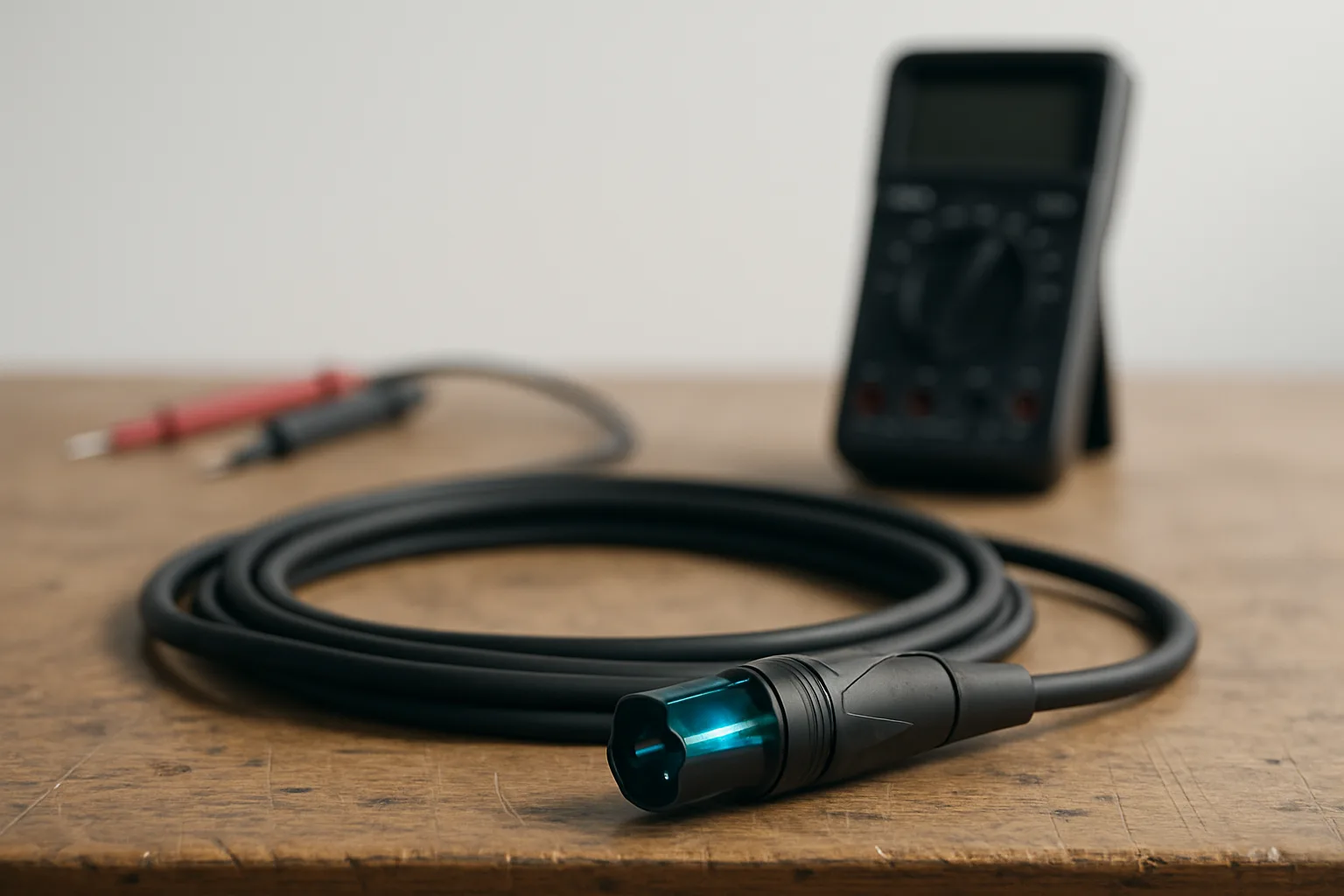
Everybody has a cable that passed inspection and then failed on set. The jacket looks factory-fresh, the connectors click home with that satisfying snap, and it beeped clean on the meter yesterday. Then halfway through the first take, audio drops - or goes noisy - or comes back just long enough for you to decide it's fine, then drops again. The frustration isn't just the lost take. It's that you checked the thing. It passed.
Most cable failures live where your eyes can't reach. The jacket is cosmetic; underneath it, the conductors, shield, and terminations do the real work, and they fail at specific weak points: where the conductor meets the pin at the solder cup or crimp, where the wire passes through the strain relief, where flexing concentrates right behind the connector. A cable can look perfect and be broken in two under the jacket.
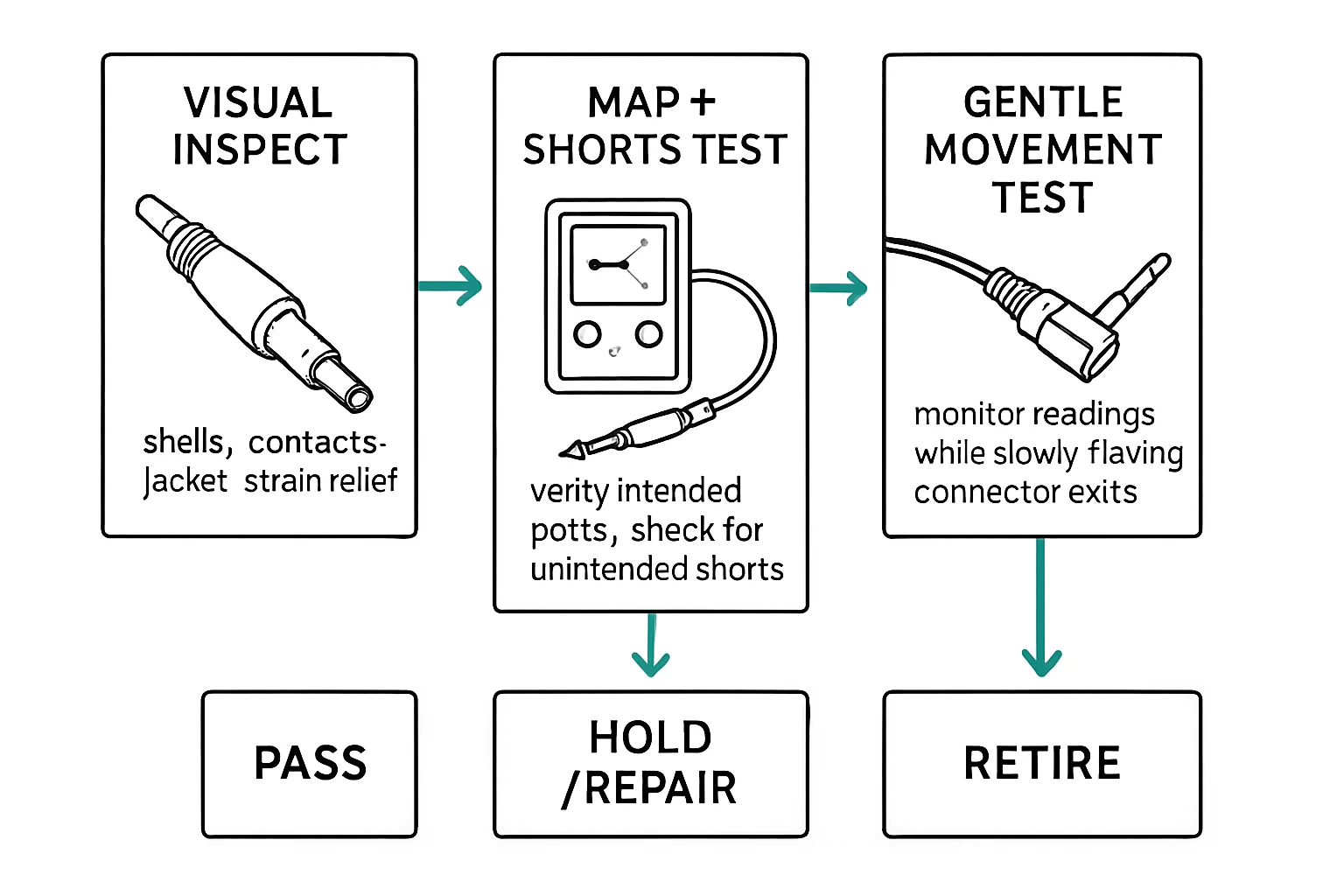
Stage one: look
Visual inspection is fast, and it still catches a decent share of failures. Check the jacket for cuts, nicks, and crushed spots. Look at the connectors: loose shells, missing set screws, strain relief that has pulled away from the connector body, pins that are bent or corroded. Any one of these is a flag. Fix it now, or the cable earns its failure on the clock, in front of a client.
Stage two: meter
With the cable disconnected, meter pin-to-pin end to end. On a standard balanced XLR cable that means pin 1 to pin 1 (ground/shield), pin 2 to pin 2 (hot/+), pin 3 to pin 3 (cold/-) - the same pinout the ProductionBench vault verifies for PB-XLRF3-XLRM3. While you're at it, confirm there is no continuity between adjacent pins. A short between pins is a real failure, and it misbehaves differently from an open: sometimes it hums, sometimes it kills a channel outright, sometimes it only acts up on certain inputs.
Stage three: move it
Repeat the continuity check while flexing the cable near each connector - bend, twist, push toward the shell, pull away from it. The termination takes the abuse, so that's where broken conductors and failing joints reveal themselves. If the meter drops out or a tone test cuts with movement, you've found a conductor that only breaks when the cable moves. Static tests can't catch this one; it passes at rest and fails on set.
Why unplugged matters
Always run these three stages on a bare cable, never in-line through gear. A fault can hide behind a device's input impedance - a mixer input will make a marginal cable read fine while it still drops audio on set. The meter on a disconnected cable tells the truth, because there's nothing between you and the copper but the meter.
Bench takeaway: Inspect in order - look, meter, flex - on a disconnected cable, and no cable that only fails in motion goes back in the case.
Pinout reference
| Pin | Carries |
|---|---|
| 1 | Shield / chassis reference |
| 2 | Hot (+), non-inverting |
| 3 | Cold (−), inverting |
Related
The Wiggle Test: Catching a Cable That Only Fails Sometimes · Five Things to Check Before Putting Cables Back in the Case · Course: Build a basic XLR cable