Bench Notes › Articles › Reference
Article · 1 min readYour Cable Isn't Distorting. Your Levels Are Wrong.
By Thomas Popp · Oct 7, 2026
Your Cable Isn't Distorting. Your Levels Are Wrong.
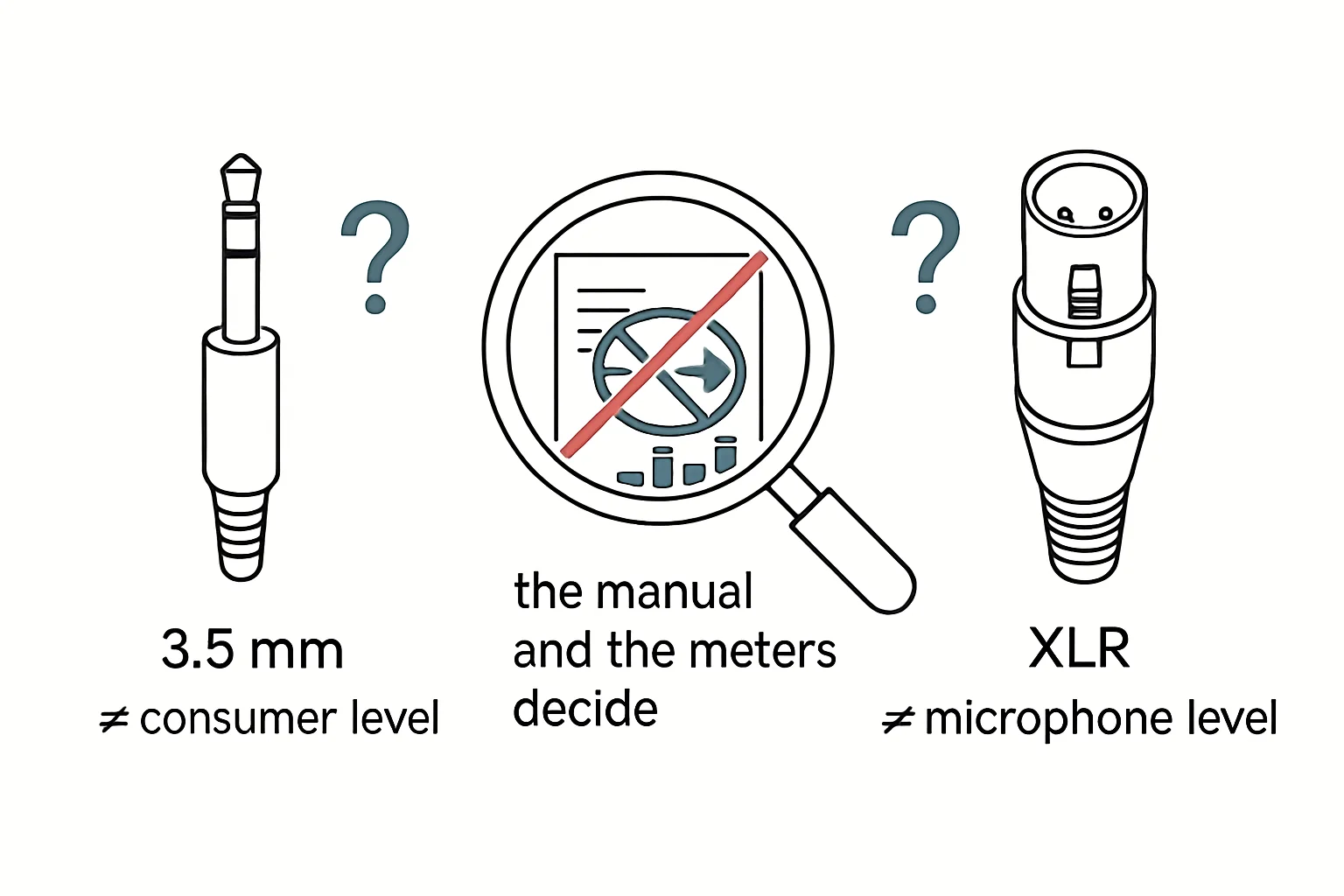
Every bench tech has lived this one. You cut a fresh XLR, solder it clean, and every pin checks out on continuity. You plug it in - and the signal still distorts. So you cut another cable. Or you swap to a different mixer input, or a different recorder, burning an hour chasing a ghost. The problem was never the cable. When a line-level output feeds a mic-level input, it clips the preamp no matter how perfect your soldering is, and no cable in your parts drawer will fix that.
The three levels, and which way they break
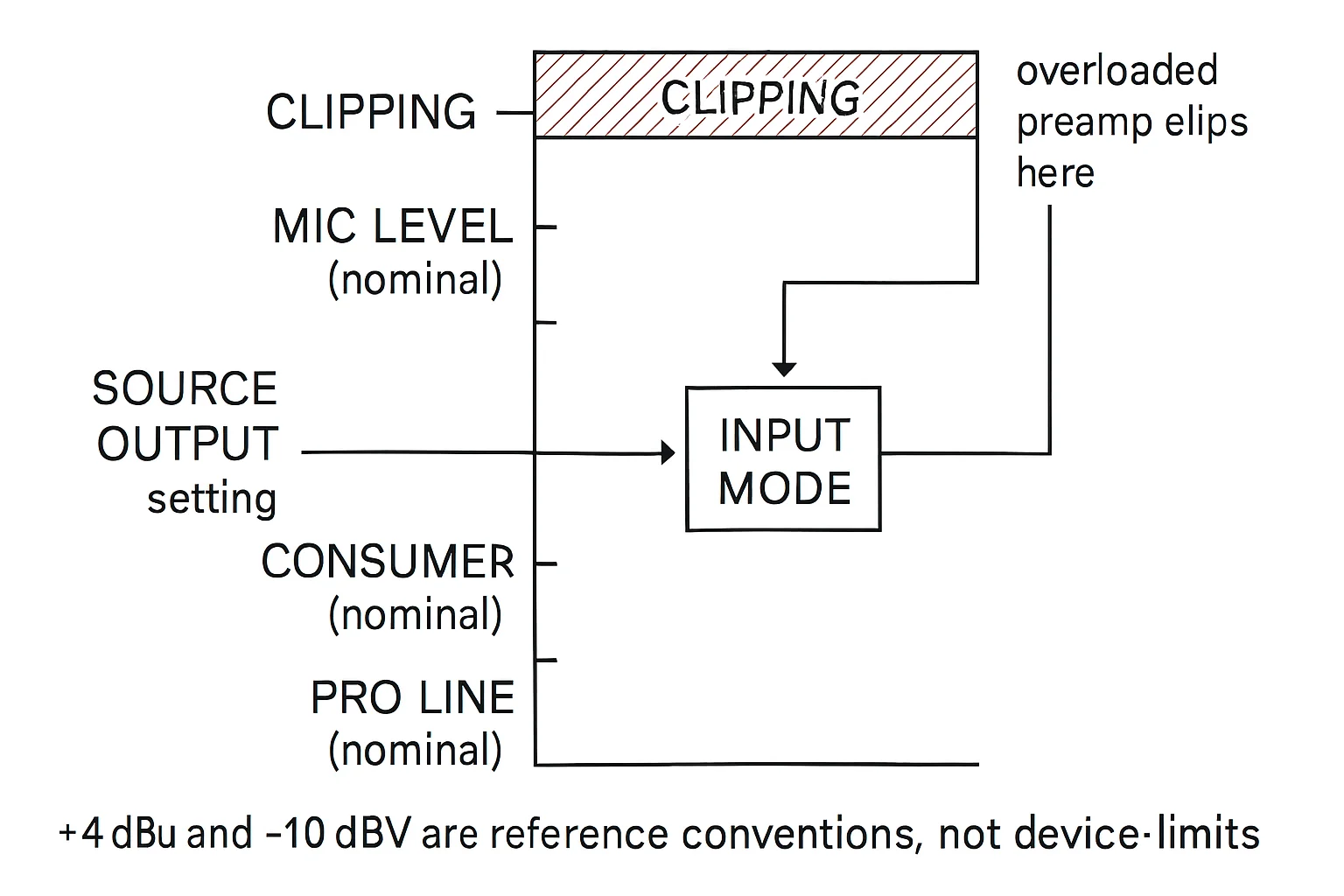
Pro audio lives in three level bands, and every mismatch breaks in a predictable direction. Professional line level runs at +4 dBu nominal - that's your mixer outputs, recorder line inputs, the main arteries of a pro rig. Consumer gear speaks -10 dBV, noticeably quieter, the language of laptop headphone outs and consumer recorders. Mic level sits way down at roughly -60 to -40 dBu, the whisper a preamp is built to hear.
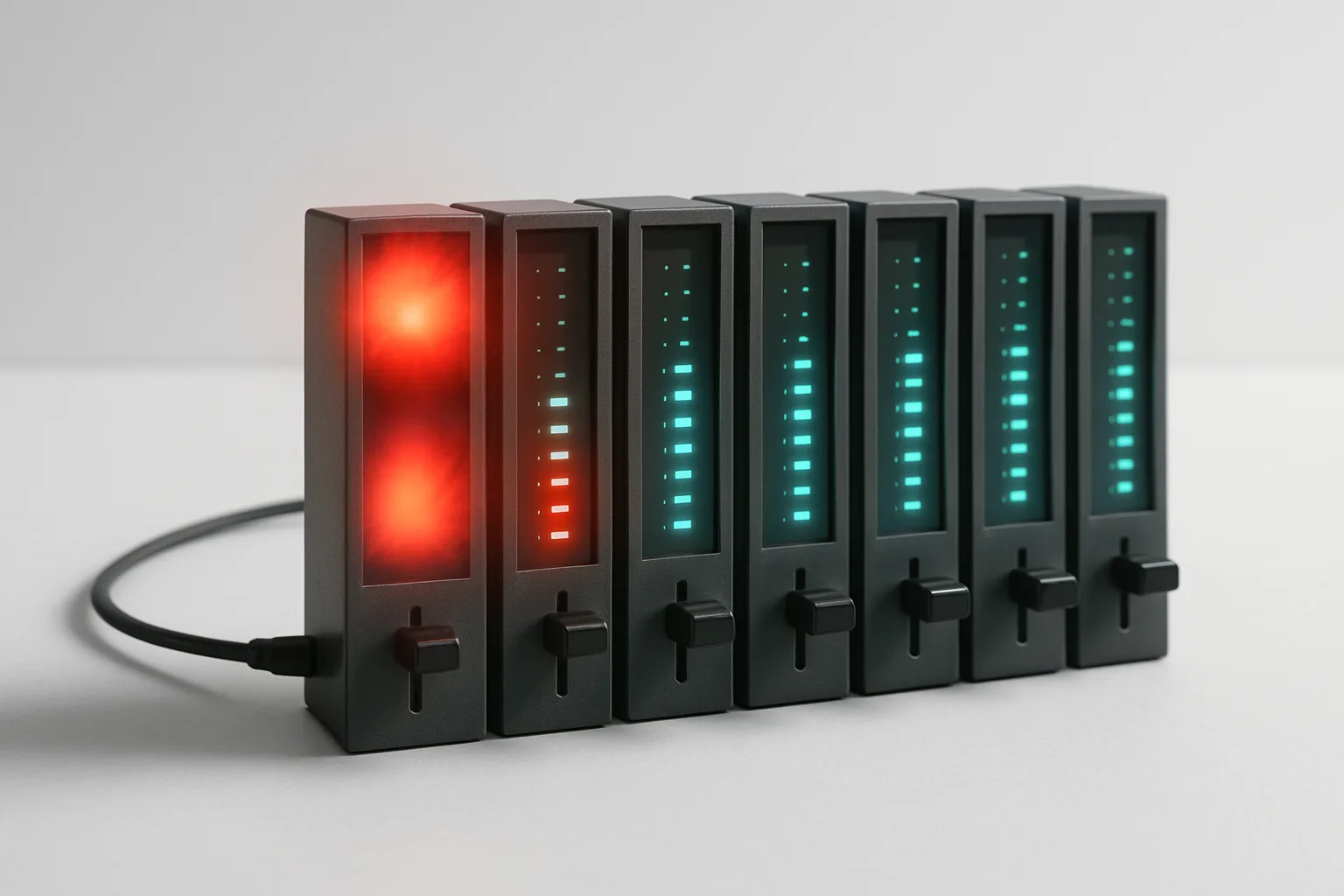
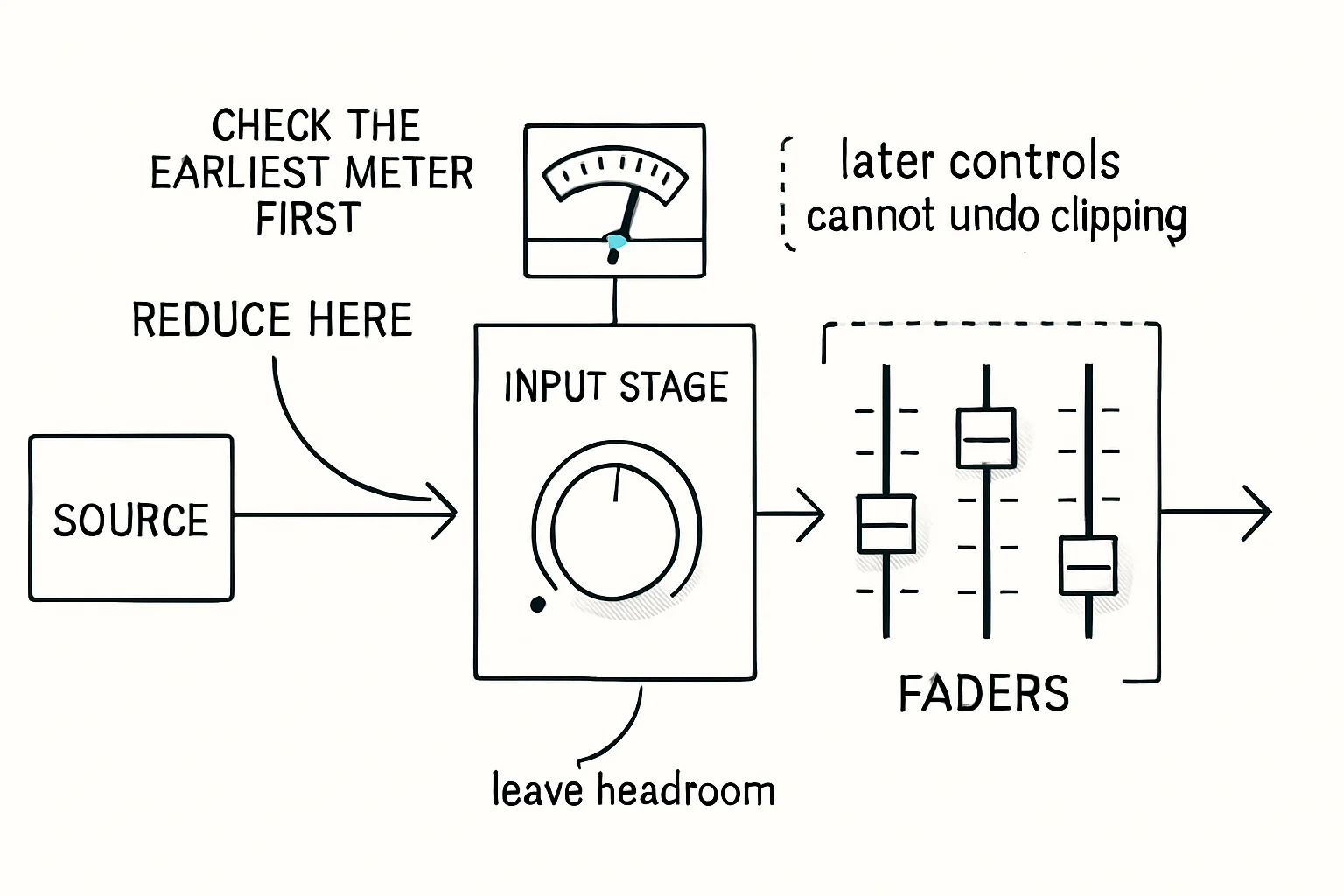
Feed too hot into too quiet an input - line into mic, say - and the input preamp gets slammed past its headroom. The waveform clips right at the input stage, and once that distortion is baked in, nothing downstream can remove it. Turning down the channel fader later just makes the clipped signal quieter; the damage happened before the fader ever saw it. Go the other way - a quiet source into an input expecting a hot signal - and you end up cranking gain to compensate, dragging the noise floor up with it. Clipping from too-hot feeds, noise from over-amplified quiet ones: that pair covers almost every "bad cable" complaint on the bench.
Fix it in order: source, then input, then nothing else
The procedure is short, but the order matters. Match the source level to the input setting, in that order, before you touch anything else. Feed +4 dBu into a line input. Feed mic level into a mic input. Coming out of a consumer device at -10 dBV? Select the -10 input setting or pad the signal down. This is exactly why pro mixers like the Sound Devices 700-series offer LINE / -10 / MIC selectable outputs and inputs - the switch exists so you can line both ends up before the signal ever travels.
That means reading the menus on both ends of every connection, not just the end you're touching. A common bench variation: the camera's input is set to line, but the mixer operator changed their output to mic mid-shoot for a different camera and forgot to change it back. The cable didn't move, the menu did. When distortion appears suddenly on a rig that was fine yesterday, the level settings are a faster suspect than the cable.
The headphone sanity check
The headphone output is a level you can check by ear in seconds. If a headphone out sounds harsh and brittle when monitored on a proper line input, you're likely being fed too hot a signal - step it down before it reaches the input, not after. It won't tell you which switch is wrong, but it tells you instantly that the level, not the cable, is the problem. That distinction is what stops you from cutting a second perfect cable for no reason.
Bench takeaway: when a clean cable distorts, don't rebuild the cable - check the levels at both ends first, because preamp clipping is permanent and the fader can't undo it.
Pinout reference
| Pin | Carries |
|---|---|
| 1 | Shield / chassis reference |
| 2 | Hot (+), non-inverting |
| 3 | Cold (−), inverting |
Related
Stop Using Mystery Cables: A Labeling System That Works · Your Cable Isn't a Garden Hose: Learn the Over-Under Coil · Course: Build a basic XLR cable