Bench Notes › Articles › Wireless
Article · 1 min readWhy Your Lavalier Crackles When the Actor Moves.
By Thomas Popp · Oct 7, 2026
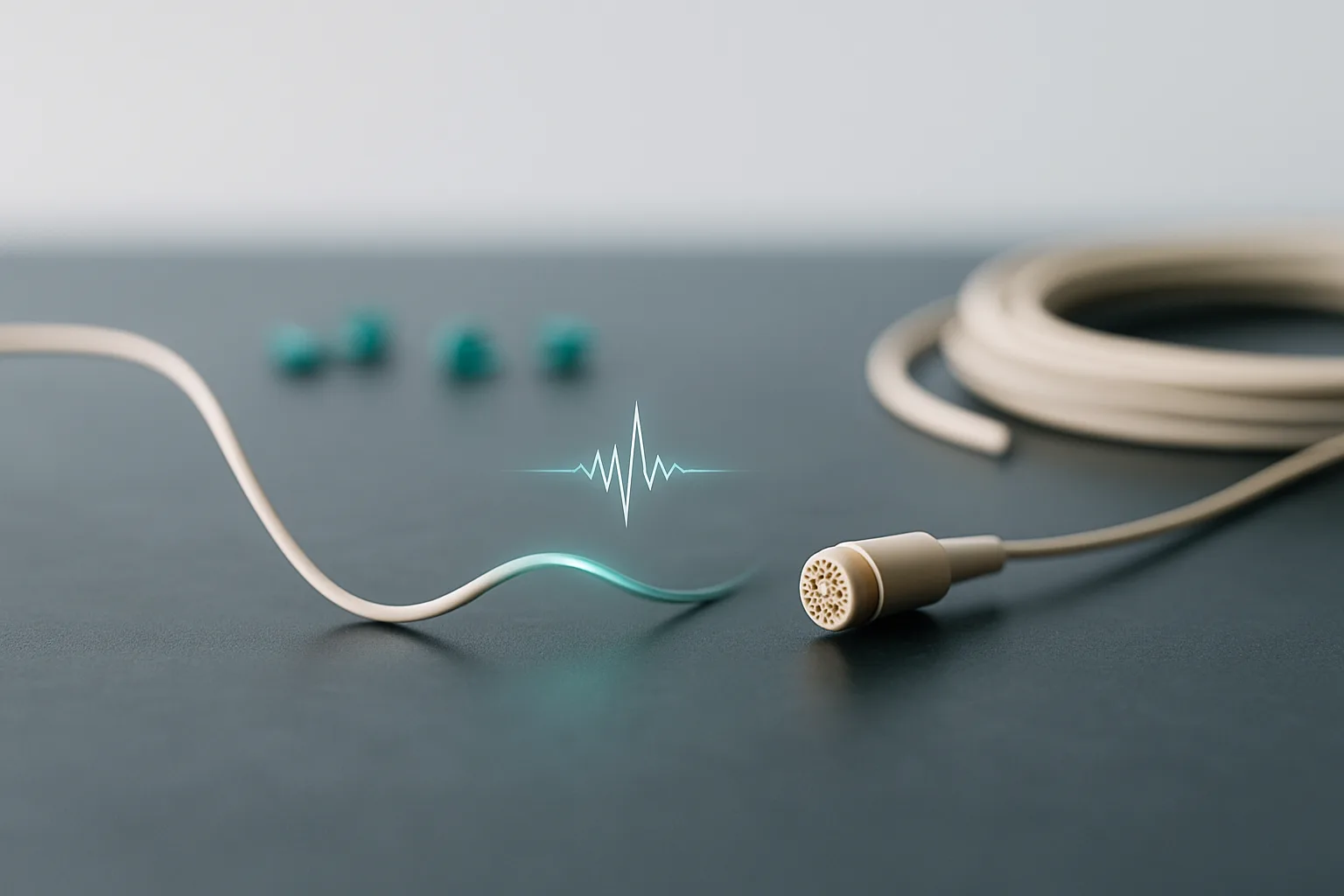
Every production sound mixer knows the sound. The actor turns their head, takes a step, gestures with a jacket - and a sharp crackle rips through your cans. The scene is rolling, the pressure is on, and your first instinct is to blame the mount or the wardrobe. But clothing rustle and a dying lav cable are two different animals, and chasing the wrong one wastes the take.
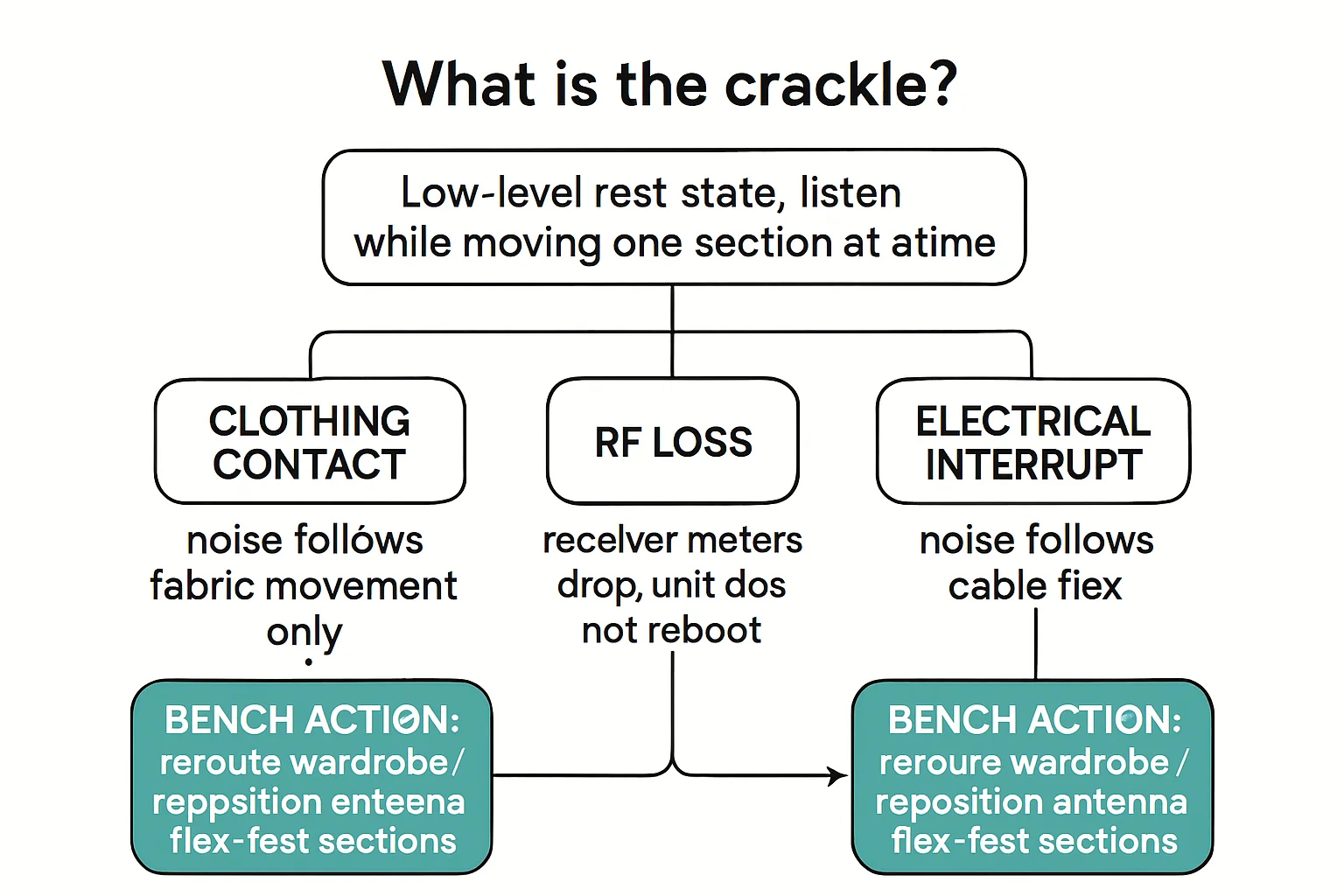
Before anything else, a quick note on what you're hearing: these textures are field practice, not lab-verified acoustics. Fabric against the capsule is soft and papery - a continuous rustle that tracks with motion. A failing cable is sharper: discrete pops and crackles, sometimes with momentary dropouts, that arrive and vanish with a jerk of the head or a tug on the cable. If it sounds like paper, it's the mount. If it sounds like static on a bad phone call, it's the wire.
Isolate the mic before you blame anything else
The temptation is to start re-rigging on the spot. Don't. The first move is always a swap: power the transmitter down, remove the lav, and plug it into a known-good bodypack. This is the single most informative test in the lav troubleshooting playbook, and it takes about thirty seconds.
One important rule: keep it same-brand. A lav wired for one manufacturer's input does not belong on another's bodypack - cross-brand wiring is a real problem on its own, and plugging a Shure-wired lav into a Lectrosonics-style input (or the reverse) can miswire the connection and give you misleading results. You want to change exactly one variable: the electronics behind the mic.
Now listen. If the crackle follows the mic onto the good bodypack, you've got a cable or connector problem. If the crackle stays behind on the original transmitter, the mic is innocent - it's the transmitter, the RF path, or the receiver end. One swap, and you know what to replace instead of guessing.
Why it only crackles when the actor moves
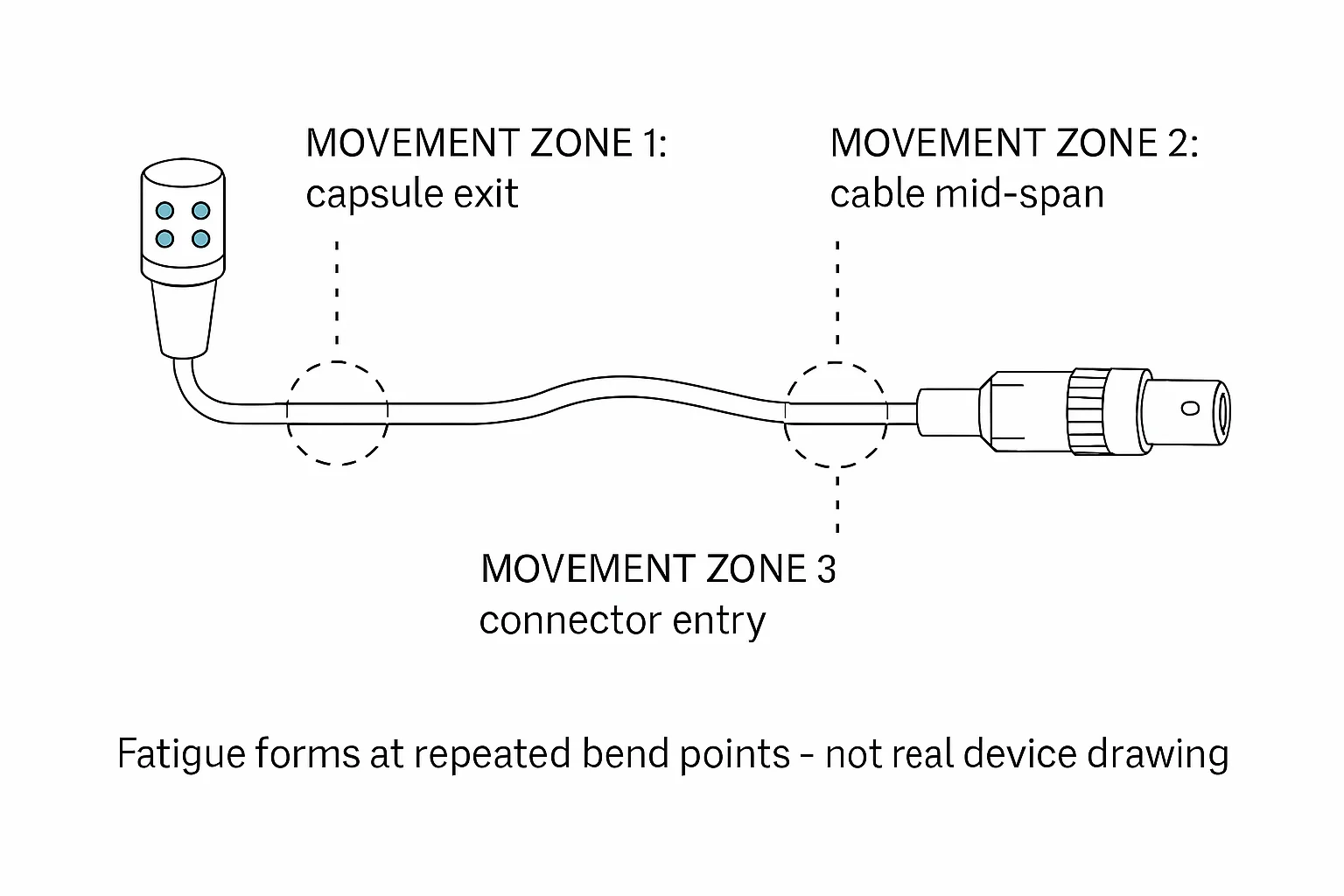
This is the part that fools people. A lav with broken conductor strands can sound perfectly clean at rest. The failure is mechanical: strands of the tiny conductors inside the cable break one at a time - usually at the two stress points, the connector strain relief and the joint where the cable meets the capsule. At rest, the remaining strands make contact and everything works. But when the actor moves, the broken ends shift, make and break contact, and you get the crackle.
This is also why the failure tends to get worse over time. Each new strand that snaps makes the crackle more frequent until, eventually, the connection fails outright. A lav that "only crackles a little" on a Tuesday is a lav that dies completely on a Thursday. Retire or re-terminate it the moment you confirm the diagnosis.
The safe way to confirm a cable break
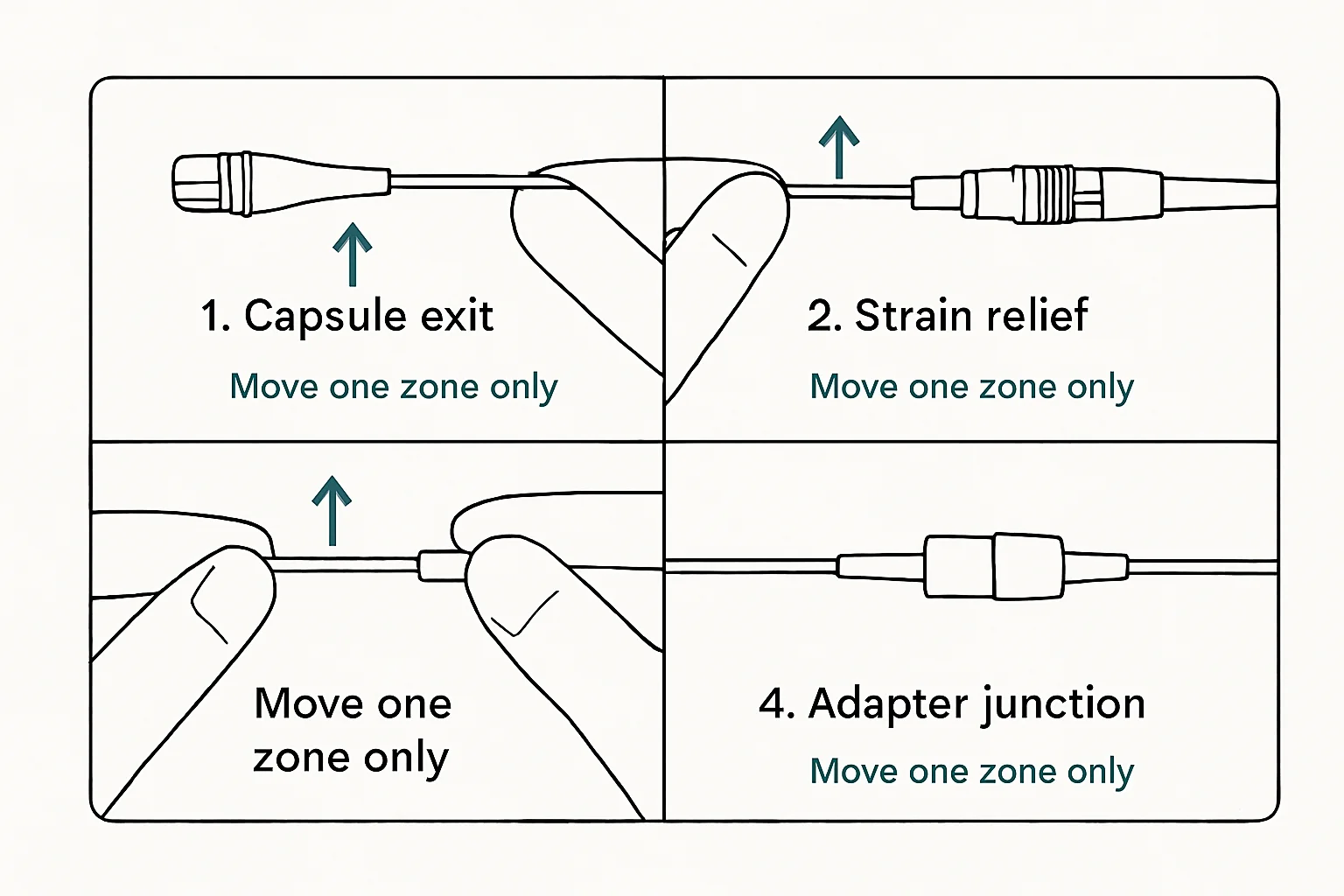
Never tug-test a live connector - yanking on a suspect joint under power can arc, pop, and potentially damage the transmitter input. Power down first, then gently flex the cable near the suspected break while monitoring. The crackle will localize: flex near the connector and nothing happens, flex at the capsule joint and it pops, and you've found your dead spot. That spot goes to the re-termination bench or the retirement bin - never back onto the talent.
Bench takeaway: Swap the mic onto a known-good bodypack before you touch anything else - the crackle that follows the mic is a cable problem, and the crackle that stays behind isn't.
Related
Stop Guessing Your Wireless Frequencies · Was That an RF Dropout or an Audio Connection Failure? · Course: Build a basic XLR cable