Bench Notes › Articles › Wireless
Article · 1 min readStop Guessing Your Wireless Frequencies.
By Thomas Popp · Oct 7, 2026
You turned everything on, picked frequencies that "looked fine," and now a channel drops every few minutes.
Guessing frequencies is a lottery you play with someone else's take. The tools that end the guessing are already sitting in your rack - most people just never run them in the right order.
Scan where you shoot
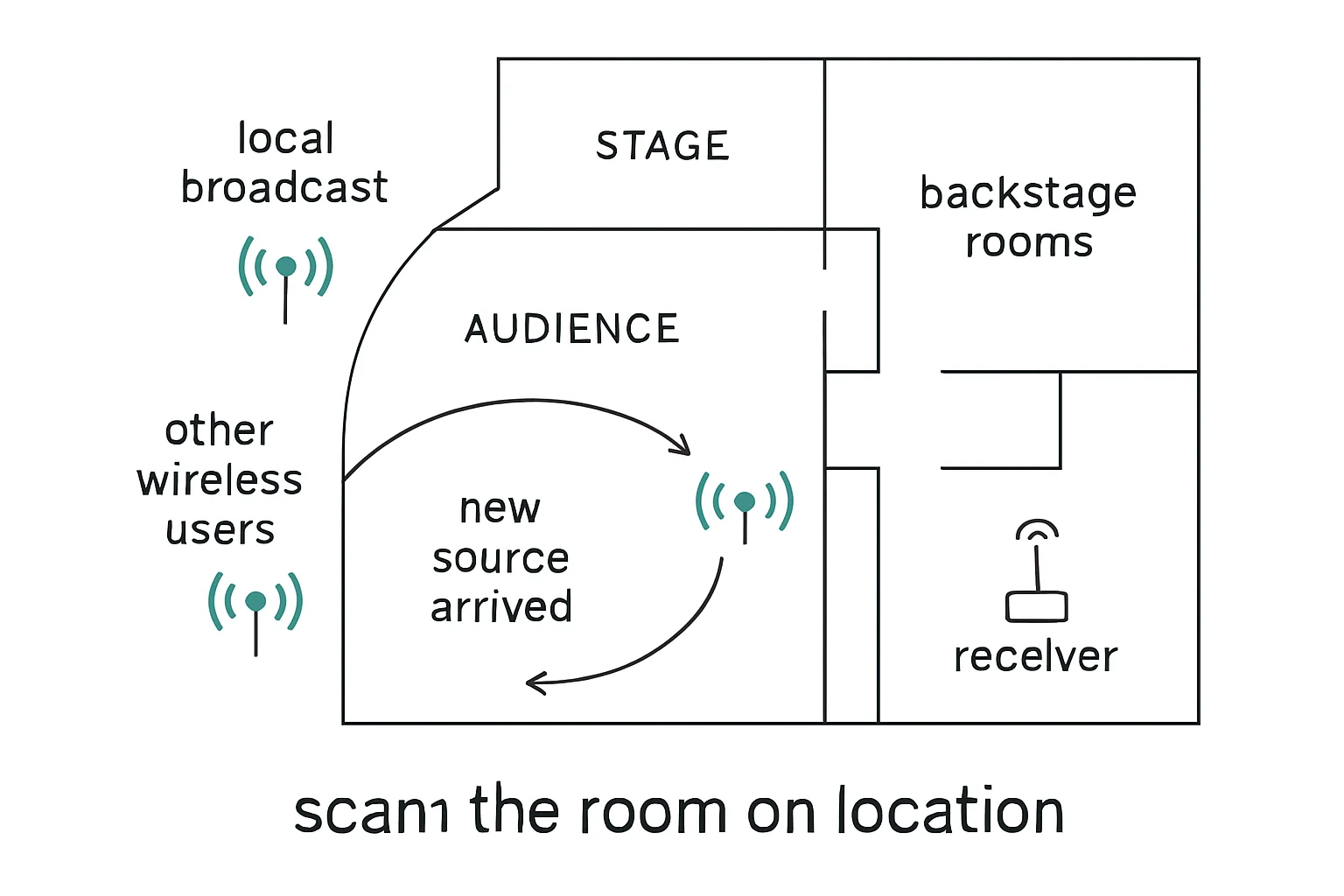
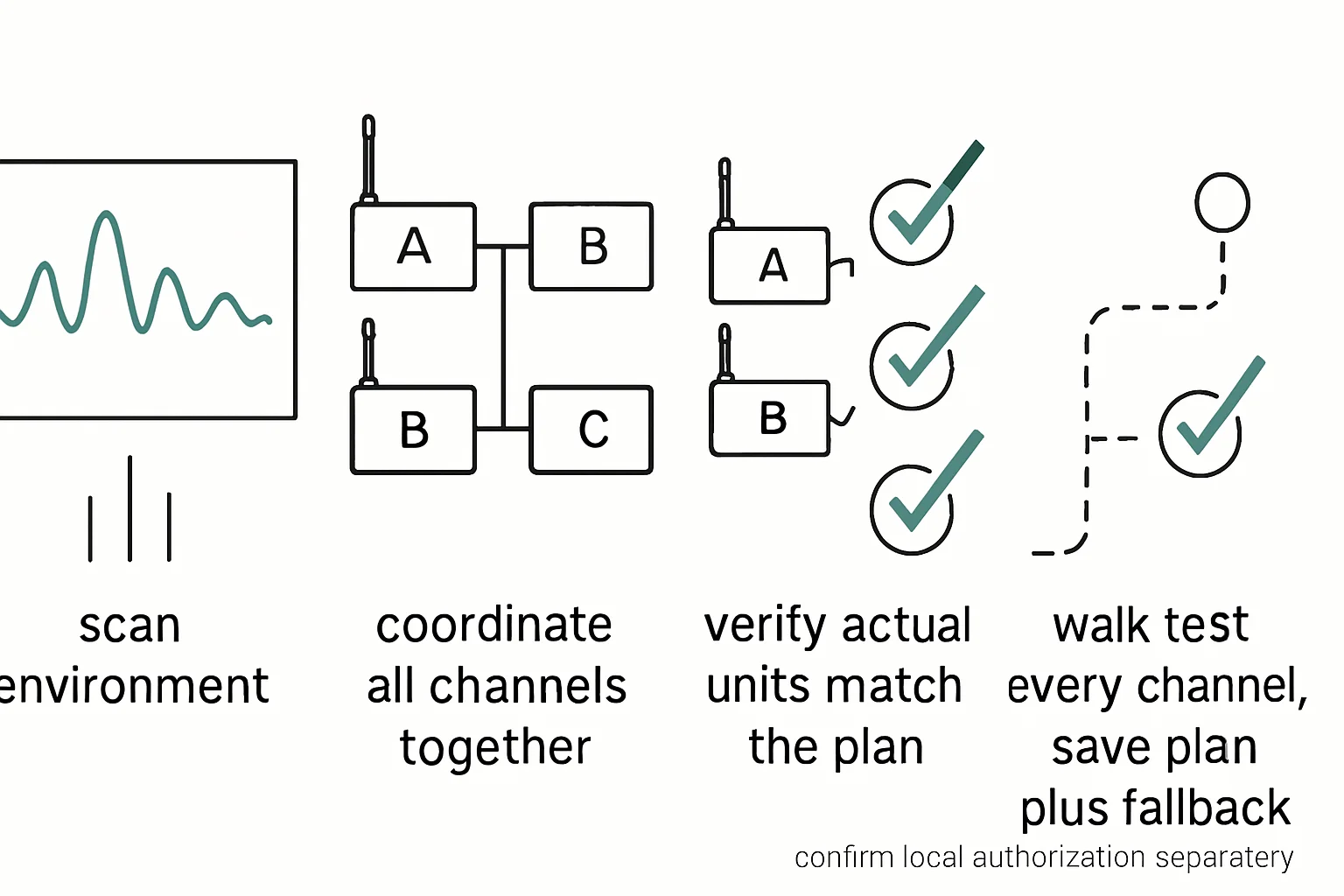
Scan the RF environment before you commit to anything. Most professional receivers can sweep the spectrum and show you where the local traffic actually sits - coarse and fine scanning modes built for exactly this kind of site survey. Run that scan at the location, not at the shop. The RF picture at the venue is the only one that matters, and it can look nothing like the quiet bench where you packed the bag. A scan done the day before at home is a scan of someone else's RF environment.
Then confirm you are allowed to transmit where you scanned. Frequency bands carry regional rules and licensed-versus-unlicensed splits, and bands that were legal a few years ago are not legal everywhere today. Do not guess at this - check your local regulator's guidance and your manufacturer's band documentation before you commit a channel plan.
Let the software do the coordination
Your manufacturer's frequency coordination software knows the rules of your band and will flag illegal or crowded choices. Actually run it instead of picking frequencies by hand. This is especially true on multi-channel setups, where intermodulation products - the phantom frequencies your own transmitters create by combining can land exactly on your other channels. Hand-picking frequencies feels faster until the second channel starts taking hits from the first. The software computes the safe spacing; let it.
The classic scan mistake
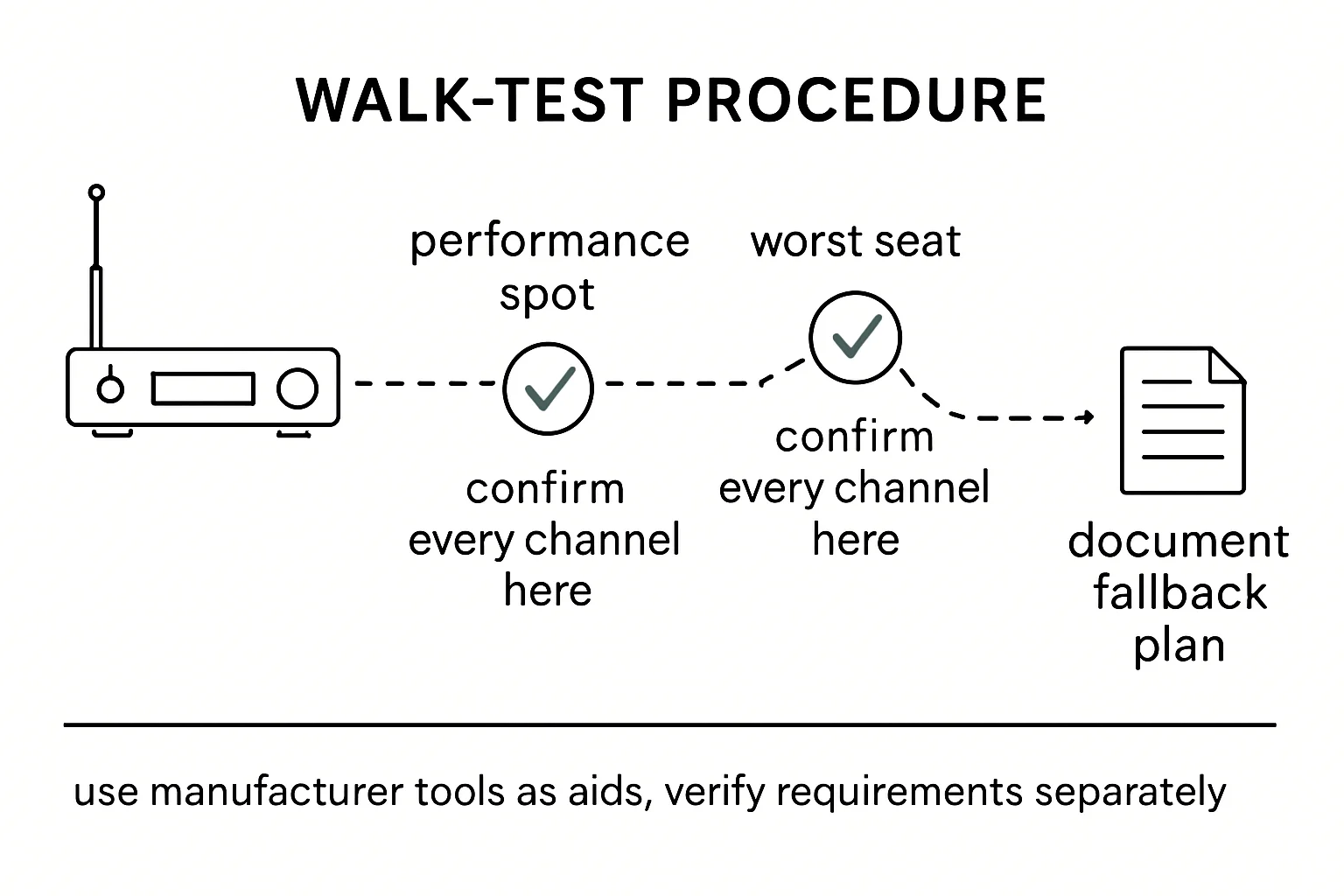
Do the scan with all your other wireless off. This is the error that undoes everything above. Scan with the talent's mics, your IEMs, and the camera hops all transmitting, and the scan shows you a quiet spectrum that does not exist once the show starts - because your own gear was masking the traffic underneath it. Everything off, scan, then build the plan, then power up and verify each channel's RF meter reads solid before the talent arrives. Re-scan on arrival at every new location and re-coordinate before talent arrives, not after the first dropout.
Bench takeaway: The venue gets the scan, the software gets the coordination, and the scan happens with everything else switched off - in that order.
Related
Was That an RF Dropout or an Audio Connection Failure? · Why Your Lavalier Crackles When the Actor Moves · Course: Build a basic XLR cable