Bench Notes › Articles › Wireless
Article · 1 min readWas That an RF Dropout or an Audio Connection Failure?
By Thomas Popp · Oct 7, 2026
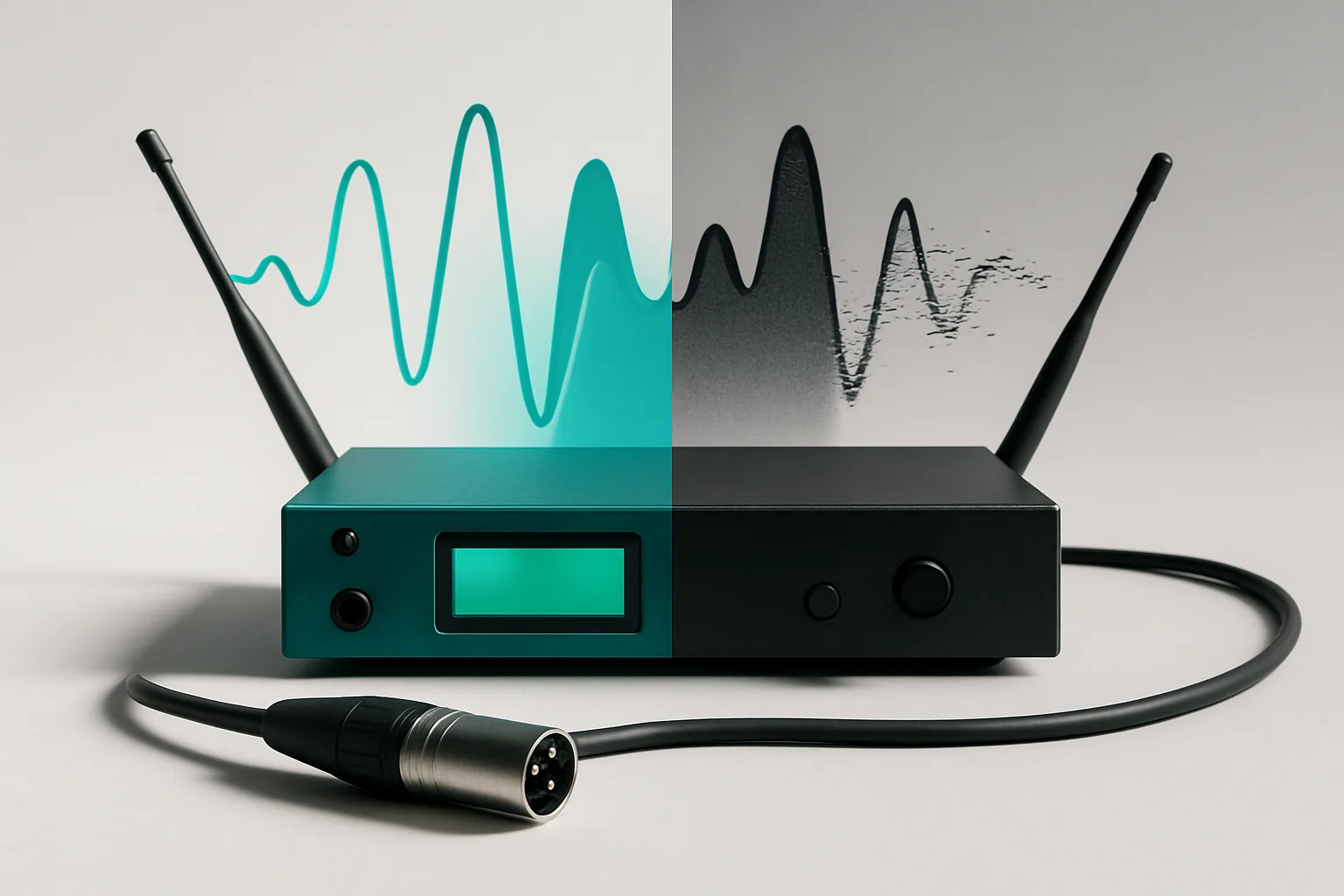
The talent's audio cut out. You changed the frequency. It cut out again. You burned twenty minutes on an RF problem that was actually a broken lav connector the whole time. This is the most expensive misdiagnosis in wireless work, because it sends you down a long RF rabbit hole while a ten-dollar connector keeps failing in your hand.
Read the receiver in order
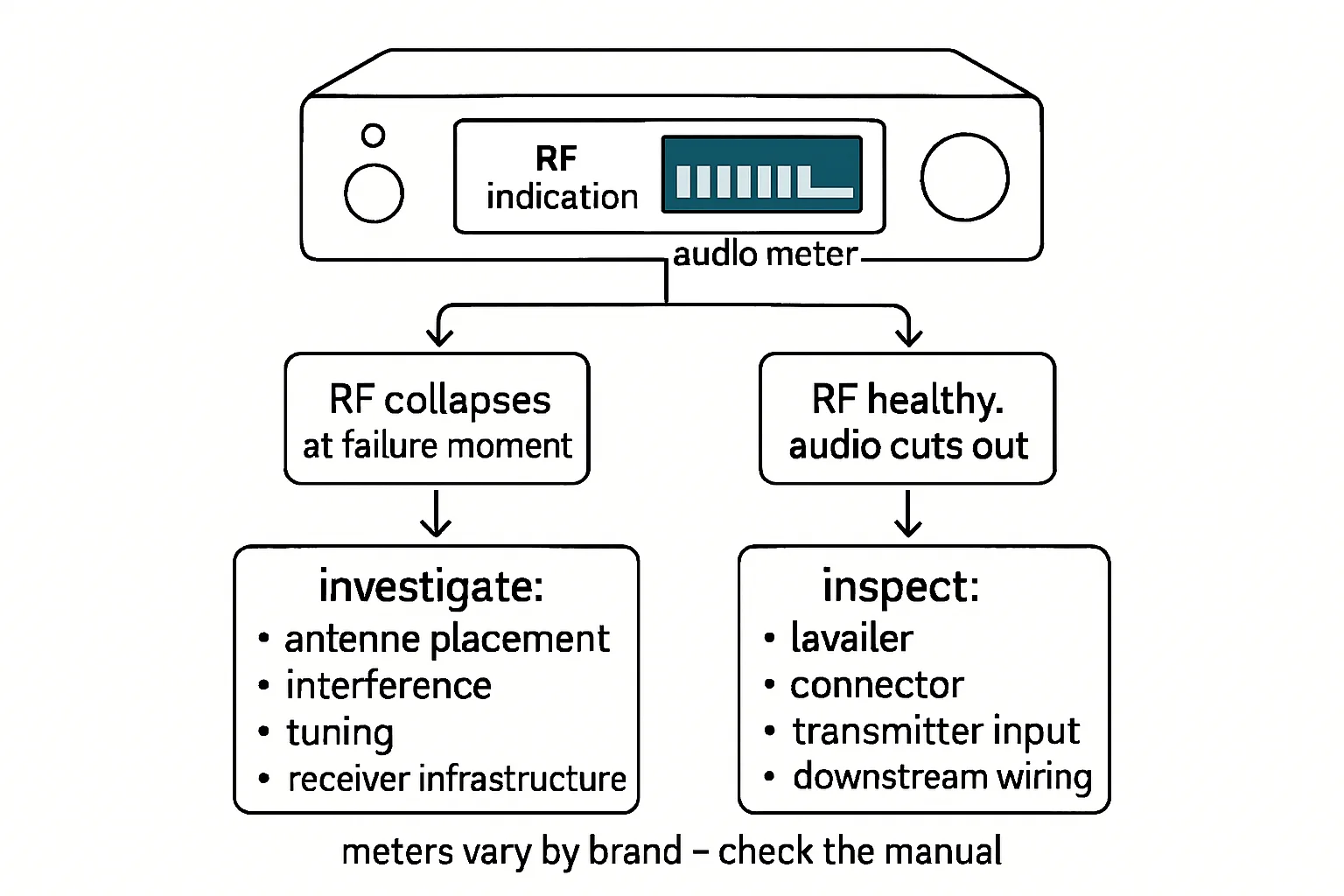
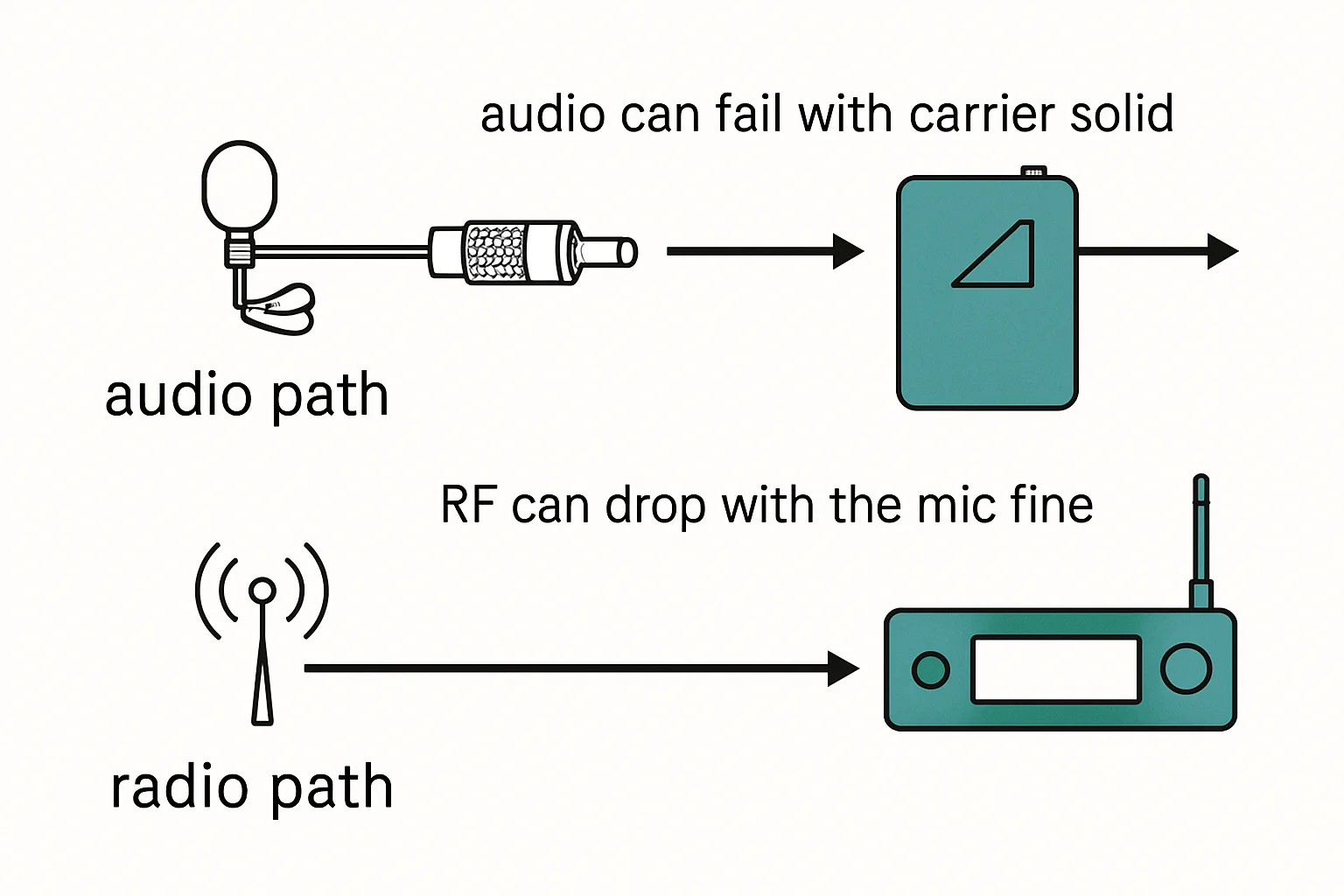
Isolate before you fix. When audio drops, look at the receiver in this order. First, the RF indicator. If it reads full and steady while the audio is gone, the wireless link is fine and your problem is downstream: the lav cable, the transmitter input, or the connector. No frequency change on earth will fix that. Second, if the RF indicator collapses at the same moment the audio dies, it is the RF path - frequency, interference, antenna, or range - not the cable. That single observation, made in the first five seconds, decides which of two completely different troubleshooting paths you are on.
The mistake to avoid is starting with the frequency change. Changing frequency on a failing connector does nothing except burn time and convince you the RF environment is worse than it is.
One swap at a time
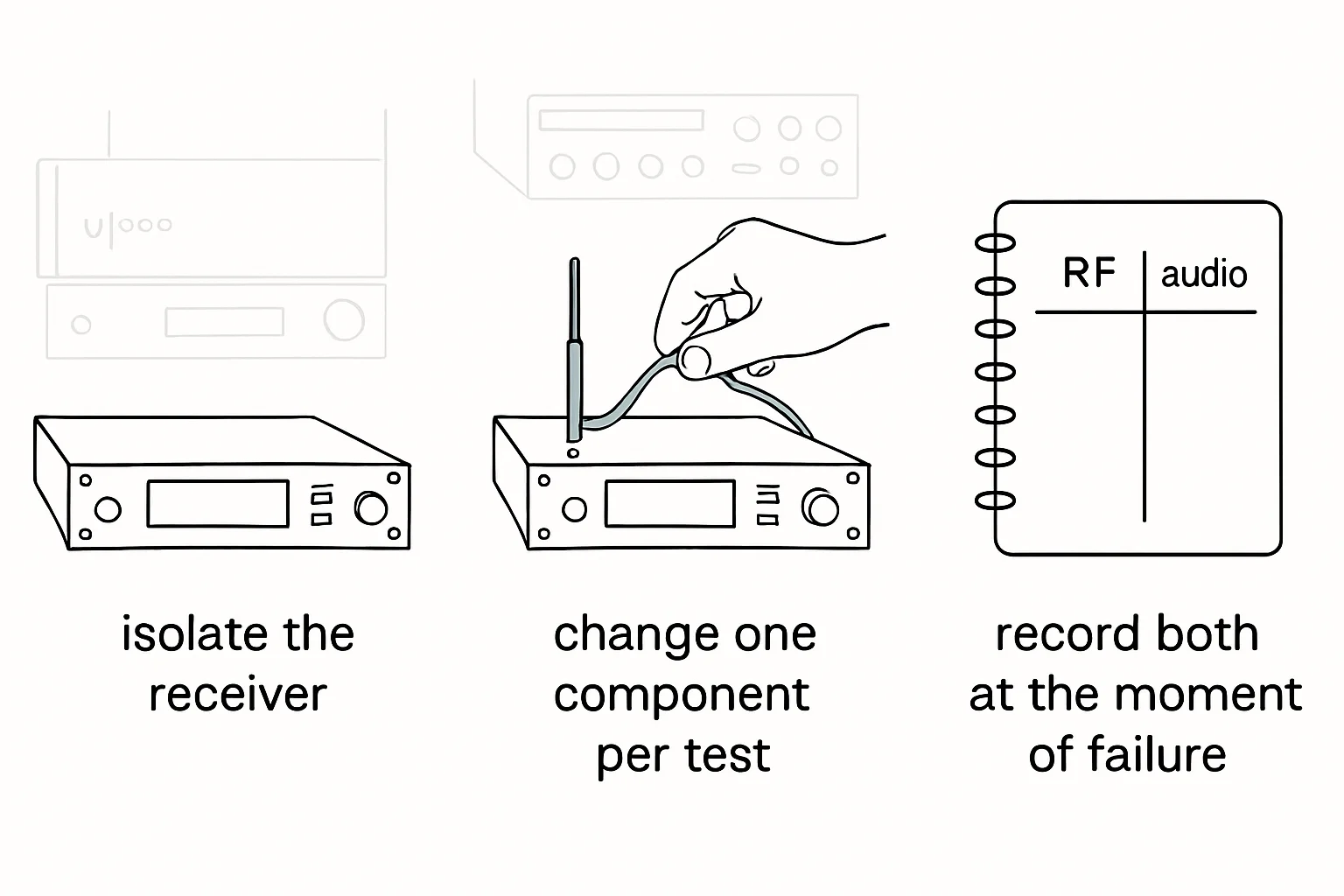
Once you know which path you are on, run controlled substitution: swap the antenna, then the transmitter, then the lav mic and cable, watching the indicators after each swap. One change at a time is the whole trick. Change two things and you will never know which one fixed it - and the fault will be back next week, having learned nothing from your repair. Log what you swapped and what changed. A substitution test that is not written down is a rumor.
The wiggle test
For the downstream side, there is a fast confirm: wiggle the lav connector at the transmitter while watching the receiver's audio meter with the talent's mic live. A meter that jumps with movement is a failing connector or cable, not RF - and no amount of frequency coordination will fix it. This is the test that turns a twenty-minute RF hunt into a thirty-second diagnosis, and it is the one that pairs naturally with a tagged quarantine bin back at the shop.
Bench takeaway: RF indicator first, audio second, one swap at a time - isolate which half of the chain failed before you fix anything.
Related
Stop Guessing Your Wireless Frequencies · Why Your Lavalier Crackles When the Actor Moves · Course: Build a basic XLR cable