Bench Notes › Articles › Repair
Article · 1 min readWhy Your Connector Keeps Coming Loose.
By Thomas Popp · Oct 7, 2026
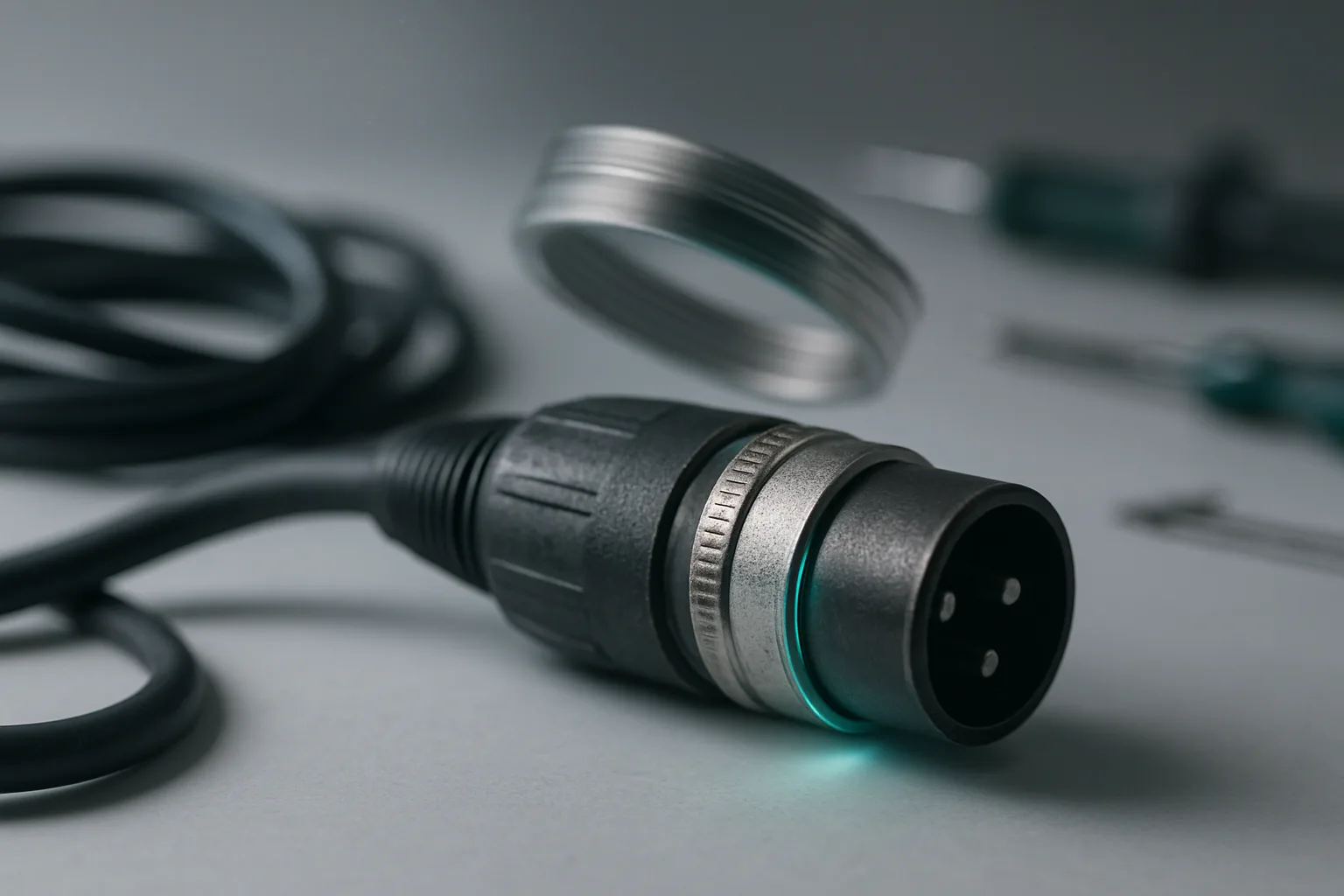
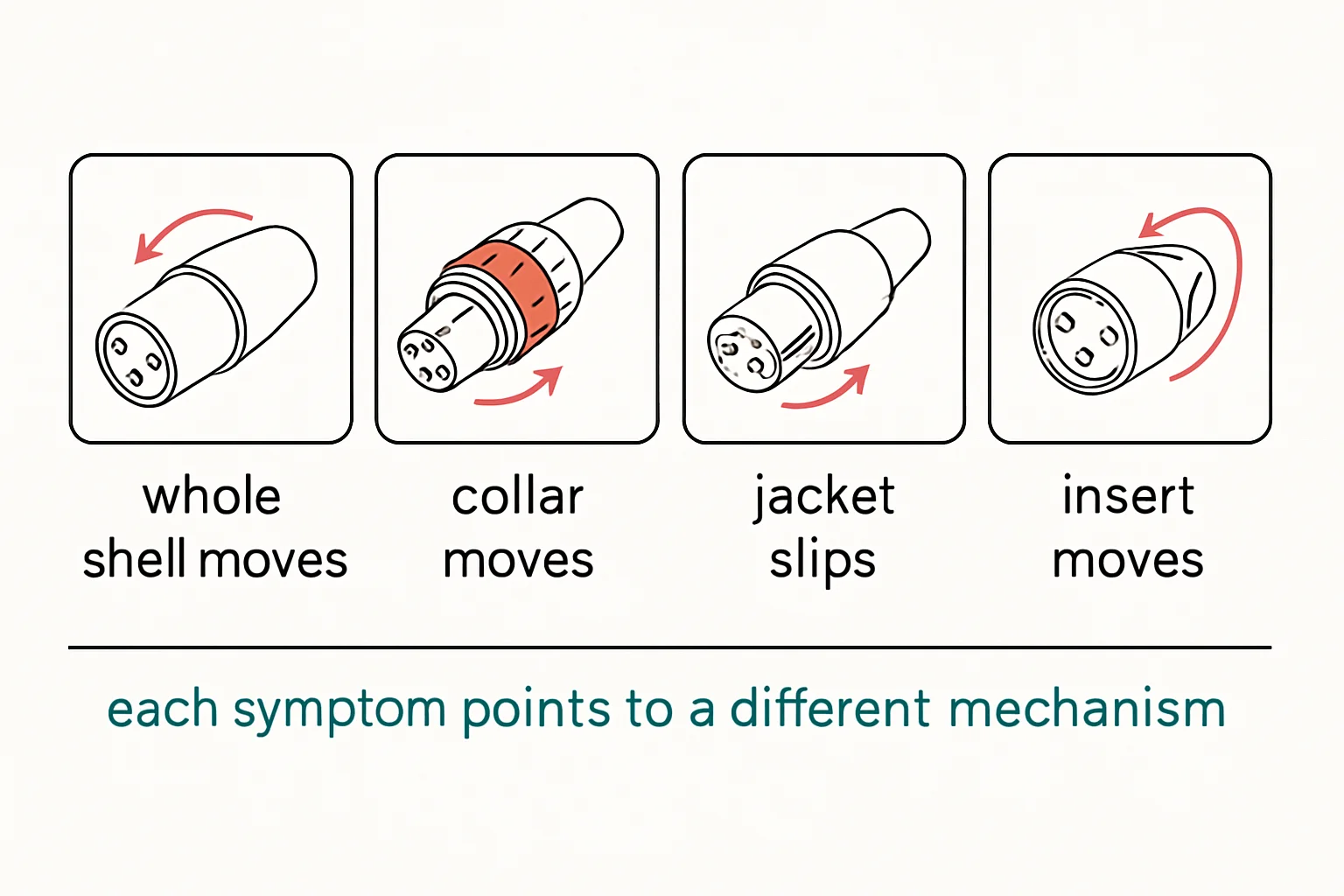
You plug in and the whole barrel rotates in your hand. The cable still passes signal - right up until someone breathes on it mid-take and the audio drops out. That wobble is the connector telling you its mechanical assembly has loosened. It's not an annoyance, it's a repair with a date still to be determined. The fix is inspection, not luck, and it takes about two minutes with no meter.
The pull test: hold the shell, not the cable
Before any cable goes back on the wall, grab the connector shell itself and give it a firm pull. If the barrel rotates independently or the cable slides through the backshell, it fails - pull it from service right there. This one test catches the majority of loose connectors before they fail on set. Get into the habit of checking every cable as it comes back in, not just the ones people complain about. The ones people complain about are the ones that survived the show.
Collets are sized to the cable, not universal
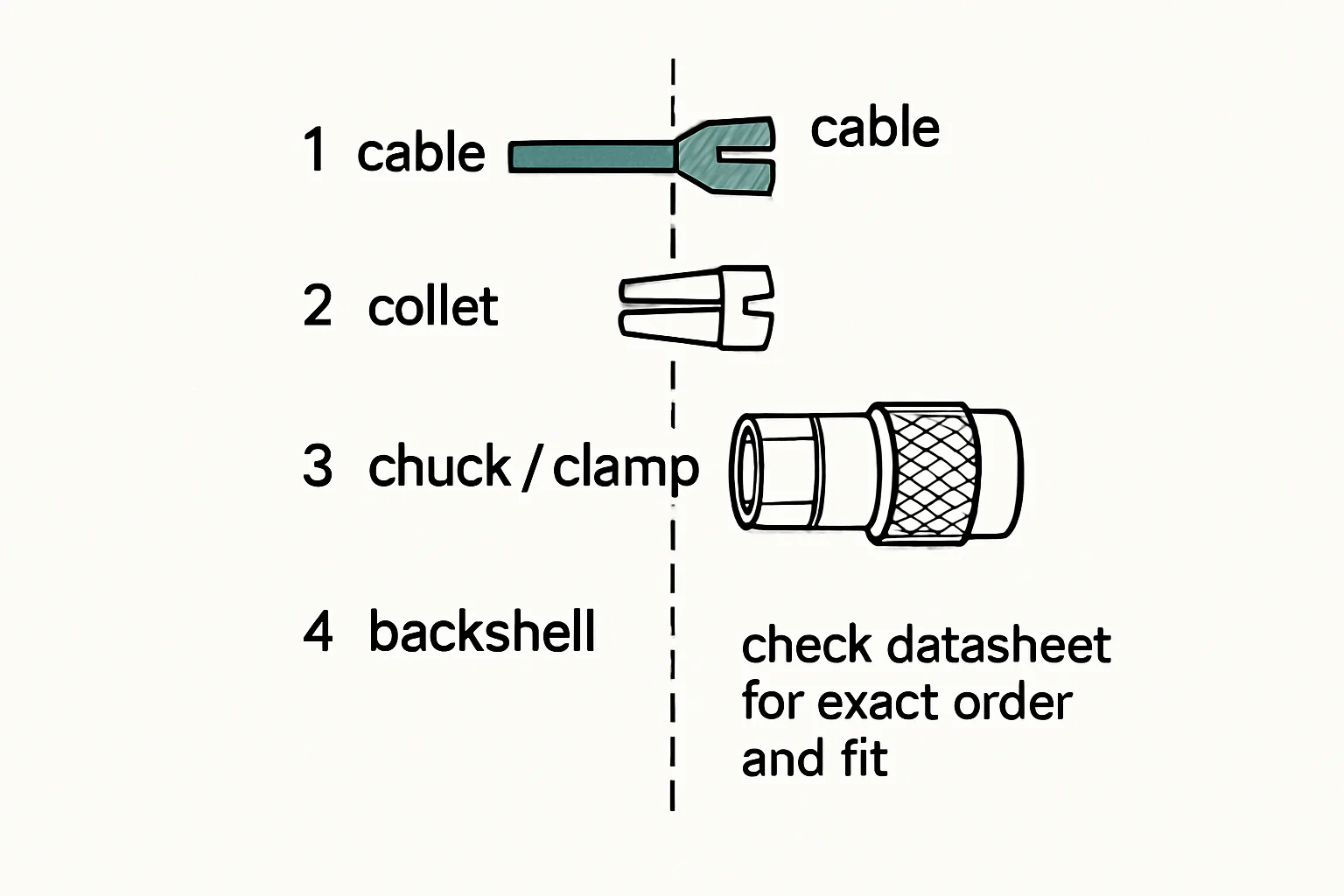
A spinning barrel on a LEMO usually means the collet backshell isn't gripping the jacket. Here's the detail most people miss: collets are sized to cable diameter. The standard 5-pin timecode plug (FGG.0B.305.CLAD52)
takes a collet for 4.2-5.2 mm cable. If someone assembled that plug with a collet built for a thicker jacket, it will never grip your thinner cable properly - the backshell threads on fine, everything looks right, and the whole thing slowly works itself loose under normal handling. Check the collet-to-cable-diameter match before you reach for the soldering iron. This is also why cables get flakier after being re-terminated onto a different cable: the collet came with the plug, not the cable, and nobody checked whether it still matched.
The latch has to earn its click
Test the locking mechanism on every connector type that has one. On a female XLR, the latch release tab should click in and release cleanly with one press. A bent or jammed latch turns a locking connector into a friction-fit liar - it feels connected when you plug it in, and it vibrates free somewhere around the third take. Check the boot too: the backshell and boot should be seated tight, with no exposed wire at the entry point.
Exposed conductors at the entry mean the strain relief isn't doing its job, and flexing will finish the job sooner than later.
Resist the resolder
The most common mistake when a connector loosens is resoldering it. Solder joints rarely cause a loose shell assembly does. Rebuilding the whole termination takes twenty minutes and changes nothing about the mechanical problem. Checking collet sizing, backshell tightness, and latch function takes two minutes and actually fixes it. Save the soldering iron for solder problems.
Bench takeaway: a connector that wobbles is asking for a two-minute inspection, not a twenty-minute rebuild check the collet, the backshell, and the latch first.
Pinout reference
| Pin | Carries |
|---|---|
| C | Center · signal |
| SH | Shell · shield / ground |
| Pin | Carries |
|---|---|
| 1 | Shield / chassis reference |
| 2 | Hot (+), non-inverting |
| 3 | Cold (−), inverting |
Related
The Buzz You Hear Might Not Be Coming From the Microphone · One Channel Is Dead. Don't Replace Everything Yet. · Course: Build a basic XLR cable