Bench Notes › Articles › Reference
Article · 2 min readThe TRS Insert Cable That Looks Like a Headphone Cable.
By Thomas Popp · Oct 7, 2026
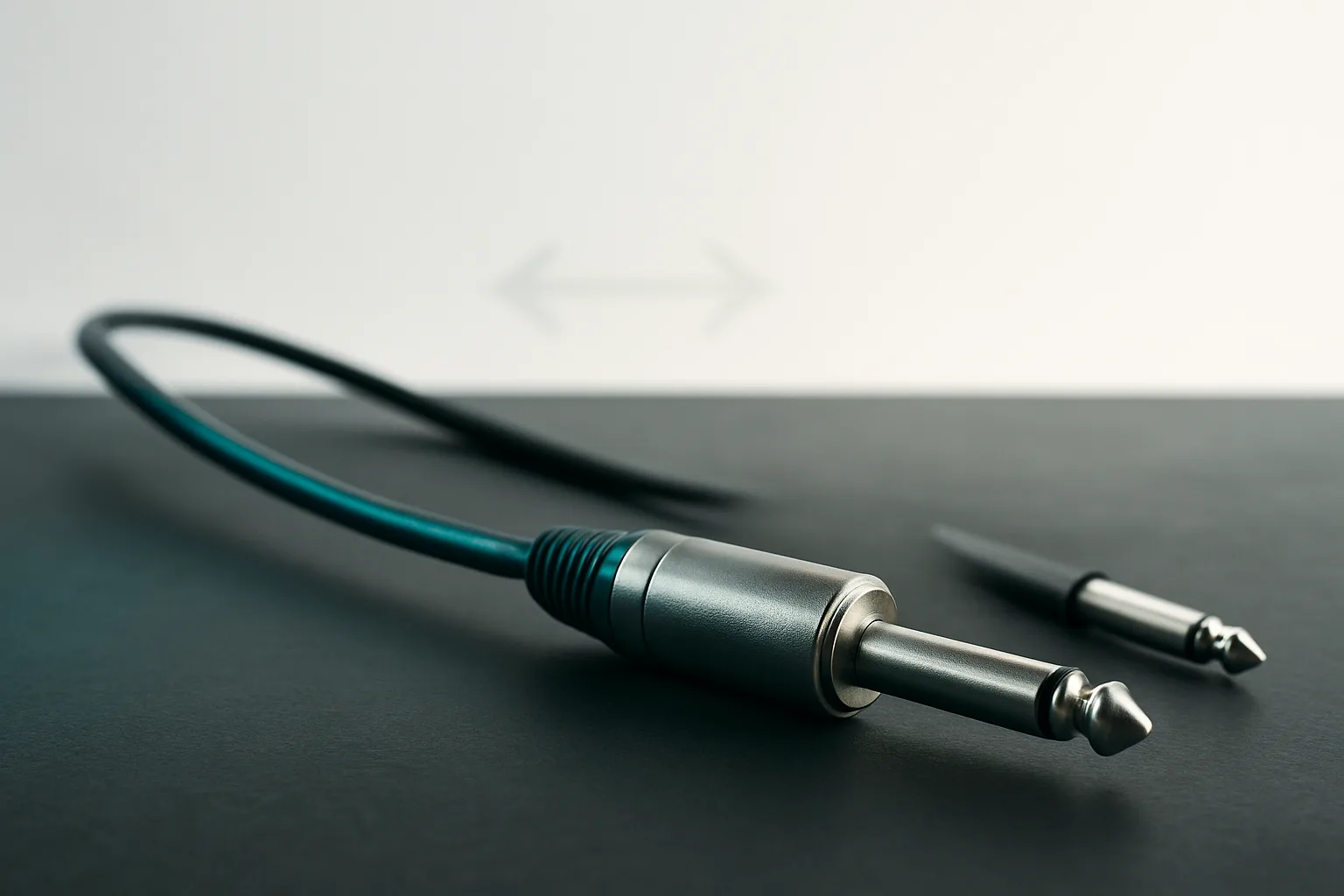
Dig through any show bag and you'll find TRS cables that all look identical: same black jacket, same molded plug, same length. Most of them are stereo patch or headphone cables, and they're interchangeable. But one of them is an insert cable, and it is not interchangeable with anything. Plug it into a headphone jack and you get weird phasey mono. Plug a headphone cable into a console insert jack and you get silence, a missing channel, or half a signal path - and you'll burn twenty minutes chasing mixer settings before you suspect the cable in your hand.
What the insert cable is actually doing
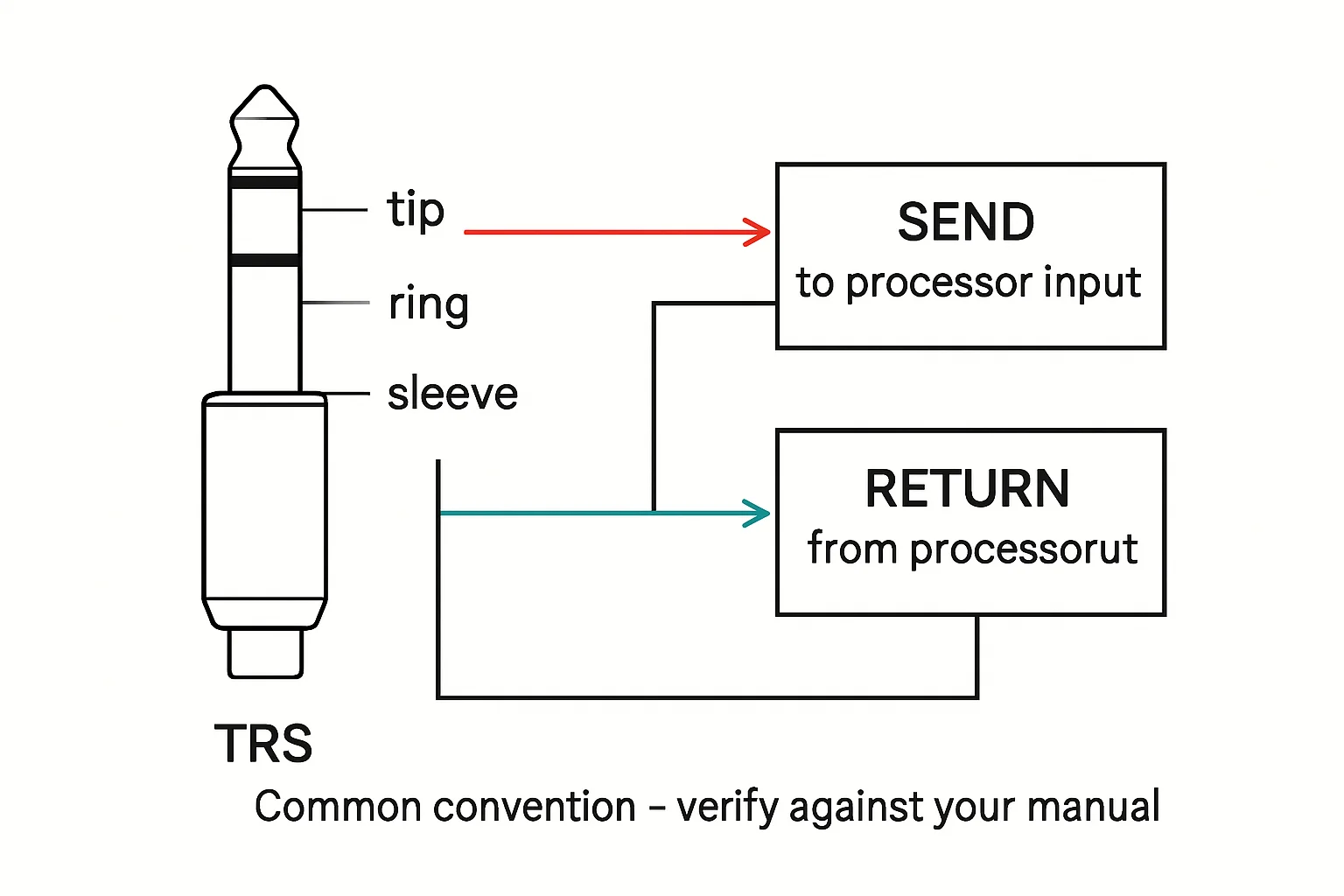
An insert jack is a single TRS connector on the console that breaks a channel's signal path open: one conductor carries the channel's signal OUT to an external processor (compressor, gate, EQ), and another conductor brings it back IN. At the other end of the cable, the conductors split into two tails - one labeled SEND, one labeled RETURN - that plug into the processor. There are two common breakout formats: two TS tails (one mono plug each) or two TRS tails. Either way, the cable is carrying two halves of one channel, not left and right of a stereo pair. That's the entire confusion: the plug looks like stereo, but the job is a round trip.
Why you can't trust your eyes
Nothing about the jacket, the plug, or the molding tells you which job a TRS cable does. Manufacturers don't color-code insert cables as a standard; some use a Y-split with a single molded fork, others look exactly like a headphone extension with an adapter on the end. Add to that the convention question: many mixers follow tip = send, ring = return, sleeve = ground - but "many" is not "all," and the cable you're holding may have been wired by someone who never checked. The only authority is the meter in your hand, checked against the mixer's manual. Confirm which tail lands on tip, which lands on ring, and that sleeve is common ground to both. If a cable in the kit doesn't match the convention your board expects, mark it clearly for what it is or rewire it - don't leave a non-conforming cable loose in a drawer where it can get grabbed mid-show.
Make every insert cable self-identifying
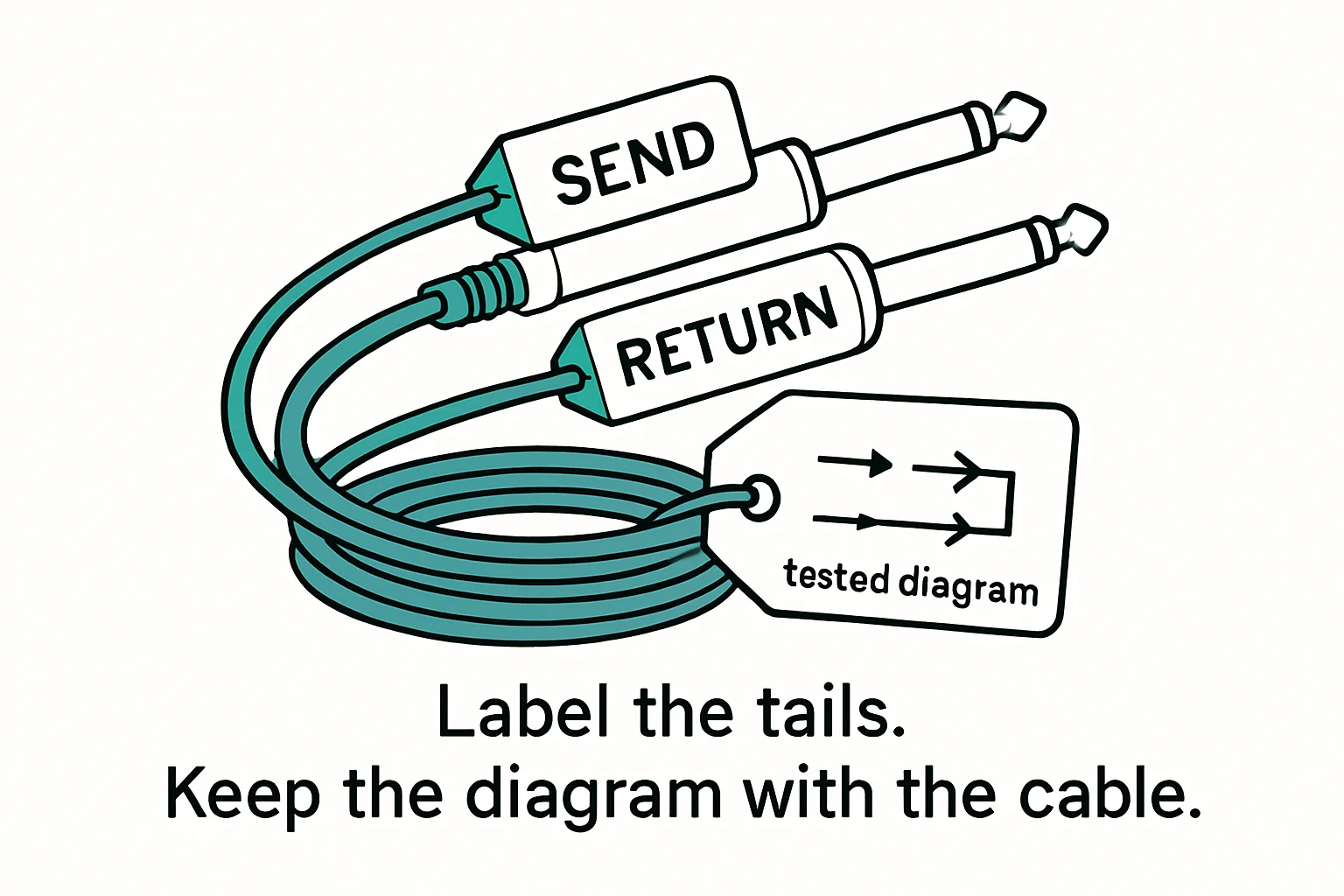
Label the send and return tails in clear, permanent print at the breakout point - heat-shrink labels or engraved tags, never tape that bakes off in a hot rack. Then add a visual cue you can read in the dark: sleeve the send tail in red heat shrink and the return tail in green, a fixed code for your whole shop, written on a legend card that lives in the kit. The combination matters: color tells you which tail is which when your hands are full and the rack is dark, and the printed label settles any argument when there's light to read by. An unlabeled insert cable is a mystery cable waiting to waste someone's soundcheck.
Bench takeaway: If it looks like a headphone cable, put the meter on it - TRS plugs don't tell you their job, only continuity does.
Pinout reference
| Pin | Carries |
|---|---|
| T | Hot (+) |
| R | Cold (−) |
| S | Shield |
| Pin | Carries |
|---|---|
| T | Signal |
| S | Shield / return |
Related
Stop Using Mystery Cables: A Labeling System That Works · Your Cable Isn't a Garden Hose: Learn the Over-Under Coil · Course: Build a basic XLR cable