Bench Notes › Articles › Repair
Article · 1 min readThe BNC Connector That Almost Locked.
By Thomas Popp · Oct 7, 2026
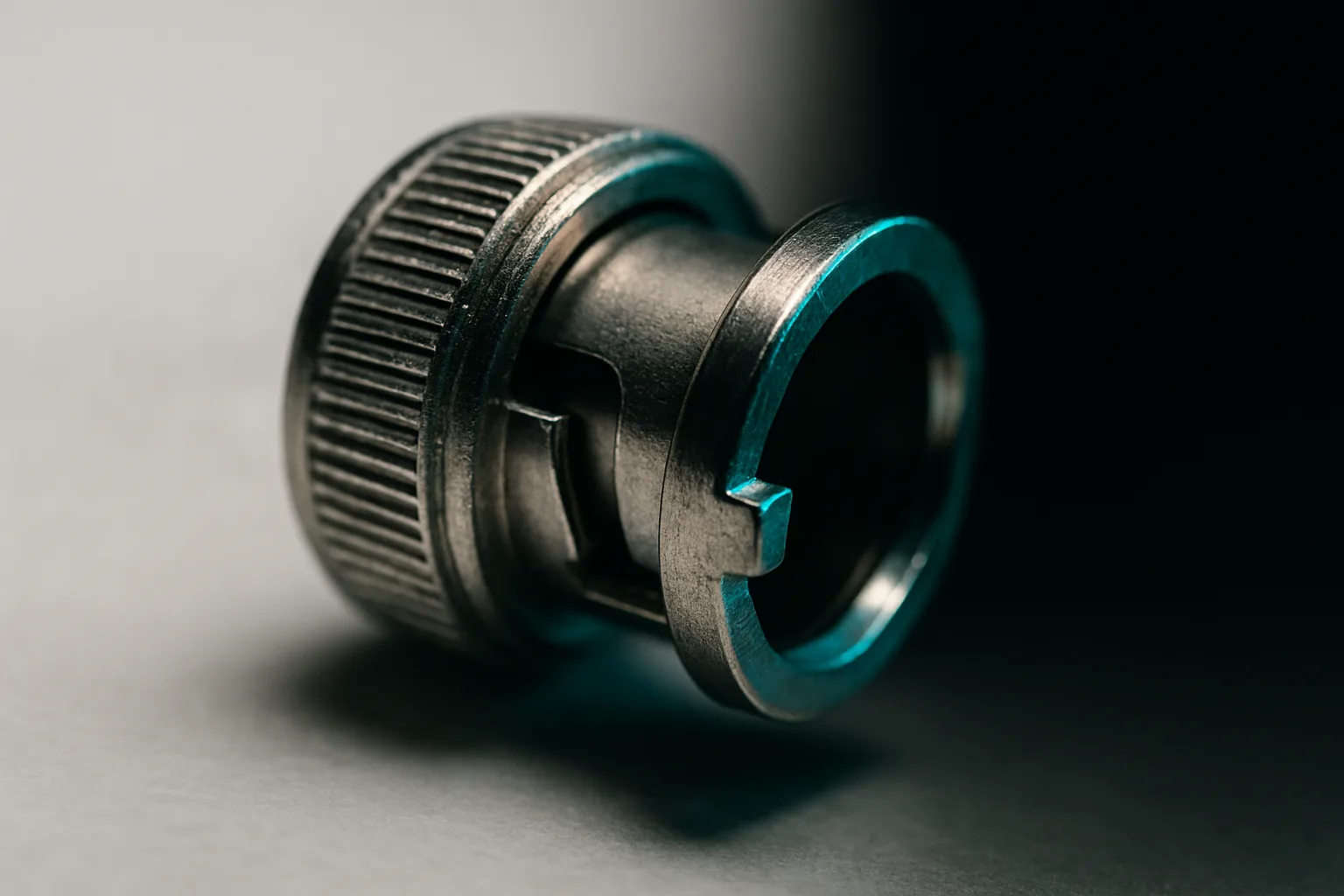
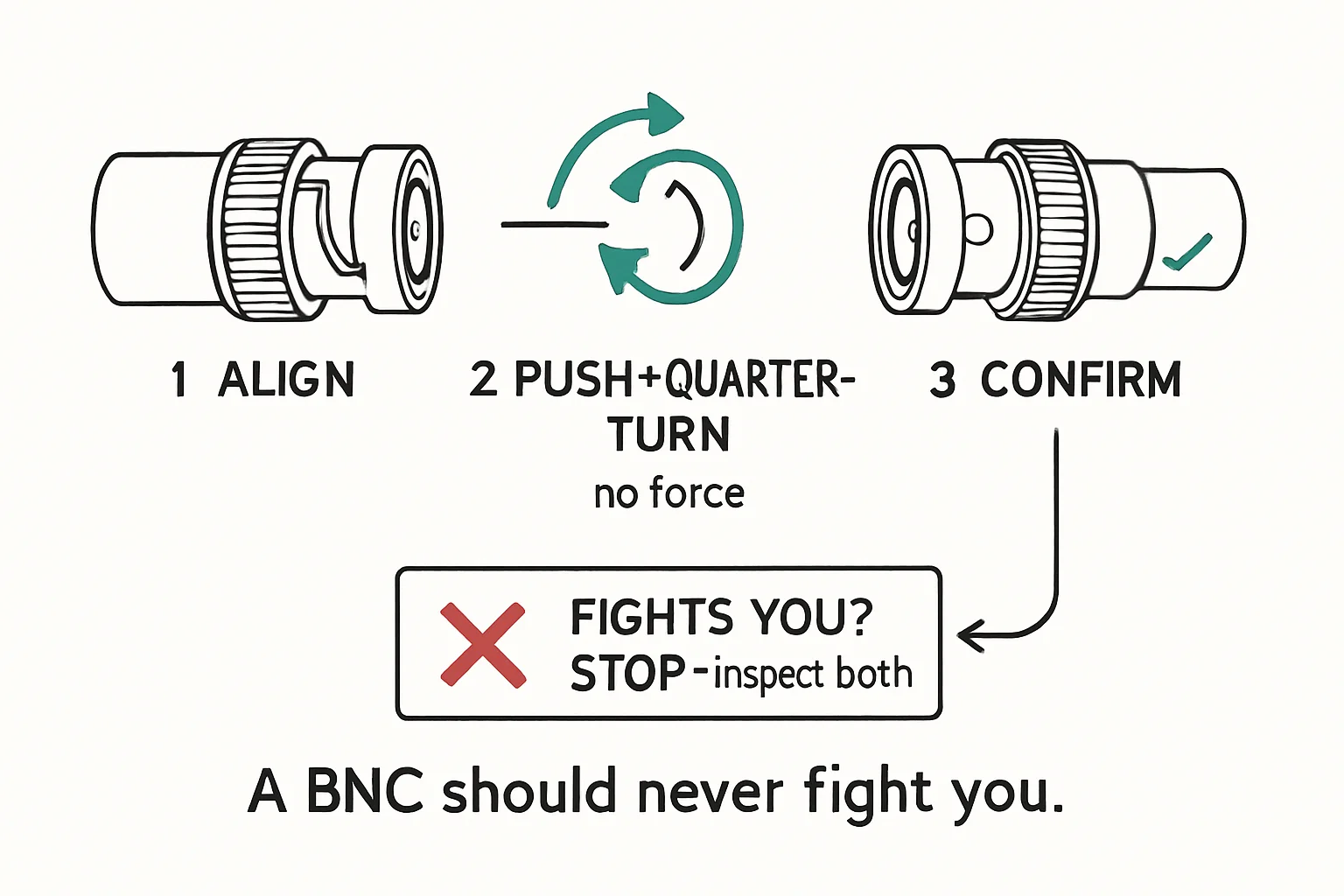
A healthy BNC mates with a push and a quarter turn, and seats with a firm, unmistakable click. If you're muscling it, something is wrong - and the thing that's wrong is never "it just needs more force." Force turns a slightly damaged connector into a destroyed one, and a destroyed BNC can take the jack on the other end with it, which is a far more expensive failure. A reluctant connector is information: stop and look before you push.
Know what a good BNC feels and looks like
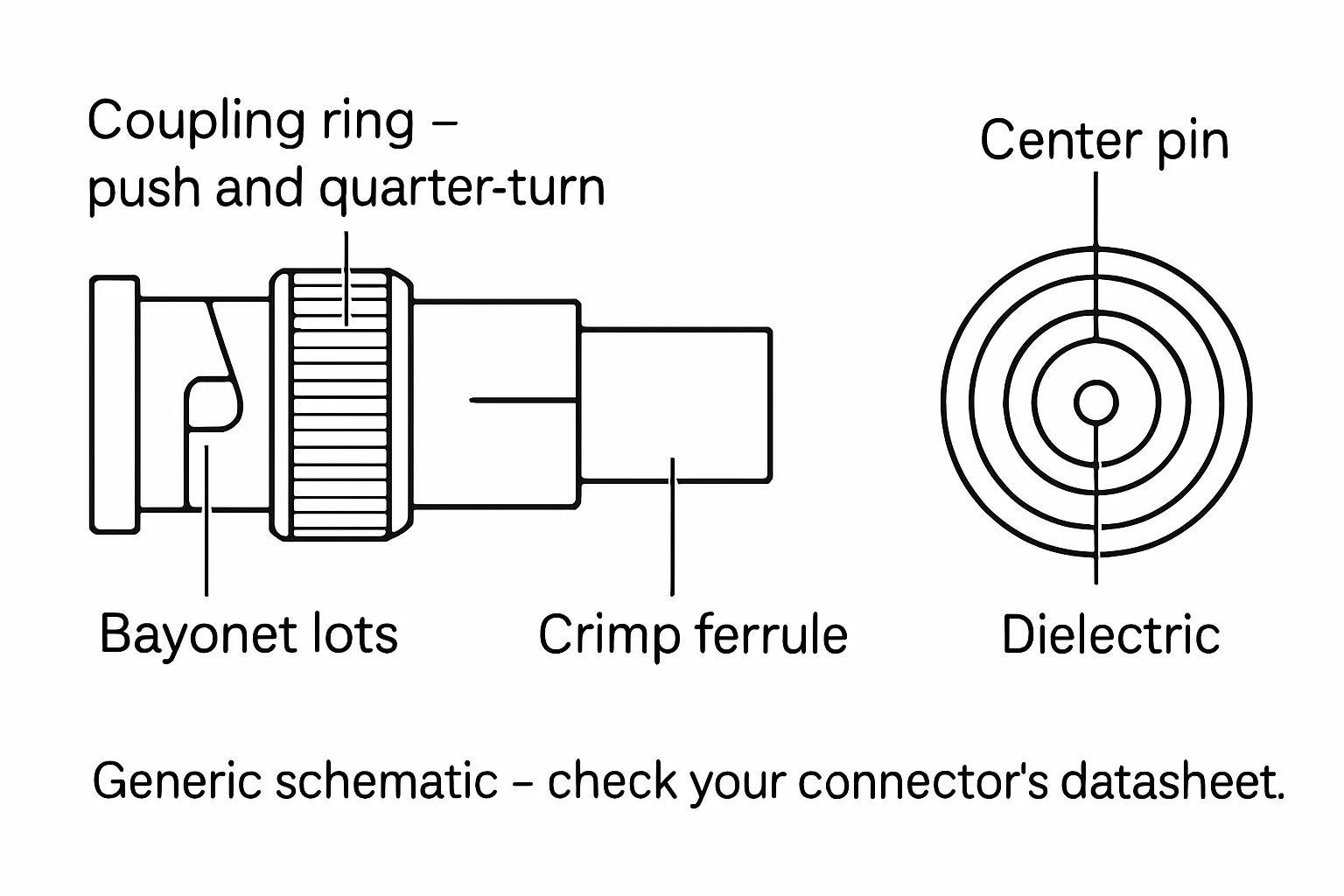
It helps to have a mental picture of the parts. The coupling sleeve rotates on the connector body and carries the locking slots; the locking lugs sit on the mating jack (or on the plug's bayonet ring, depending on the gender layout). The center pin runs down the middle and has to sit straight, centered, and at the right depth. When everything is healthy, the sleeve spins smoothly by hand, the locking features are clean and sharp-edged, and the pin is where it should be. Learn that feel with a brand-new connector so you recognize when a used one deviates from it.
The four failure modes
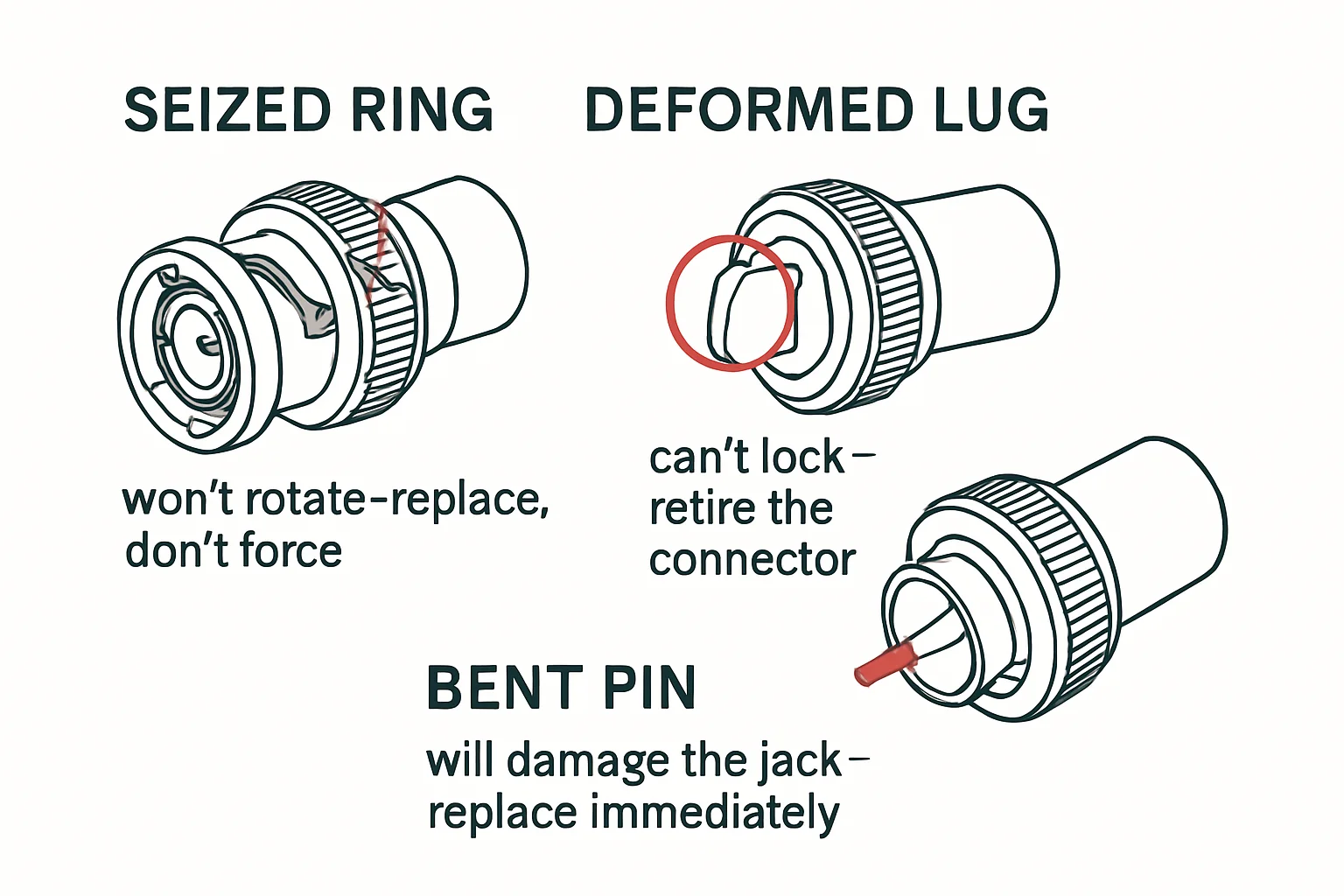
When you inspect a BNC before it goes out, you're hunting four things. One: a seized coupling sleeve - it should turn smoothly on the body, and grit or corrosion in the threads means the lock never seats properly. Two:
damaged locking features - lugs mushroomed from being forced, slots packed with grit or deformed so the quarter-turn can't complete. Three: a contaminated mating face - dirt and oxidation on the surfaces that actually carry the signal, an easy fix with a proper wipe if you catch it, a real problem if you don't. Four: the center pin bent, recessed, or pushed back into the housing so it barely makes contact or none at all. Check the pin from the front before you mate: straight, centered, correct depth. Any one of these, and the cable doesn't go out. Retire it, or cut off the bad end and re-terminate.
Why "almost locked" is the worst failure
A connector that fails completely is honest - the show stops, you replace the cable, life goes on. The dangerous one is the BNC that almost locks: it seats well enough to pass signal on the bench, goes out on a run, and then vibration does the rest mid-show, dropping the feed for a second at a time in a way that looks exactly like a camera or switcher fault. If a connector won't seat smoothly after a wipe-down and inspection, that's your answer - it goes in the dead pile, not the spare bin. Damaged locking features don't heal.
One rule for re-termination
When you do cut off the bad end and re-terminate, match the connector's impedance rating to the cable: a 50-ohm connector on 50-ohm cable, a 75-ohm connector on 75-ohm cable. A mismatched pair mates perfectly mechanically and fails intermittently on signal - exactly the kind of ghost fault that wastes a whole troubleshooting session while everyone blames the wrong piece of gear.
Bench takeaway: If a BNC fights you, it loses - inspect, re-terminate, or retire it; never force it.
Pinout reference
| Pin | Carries |
|---|---|
| C | Center · signal |
| SH | Shell · shield / ground |
Related
The Buzz You Hear Might Not Be Coming From the Microphone · Why Your Connector Keeps Coming Loose · Course: Build a basic XLR cable