Bench Notes › Articles › Reference
Article · 1 min readJust Because the Adapter Fits Doesn't Mean It's Right.
By Thomas Popp · Oct 7, 2026
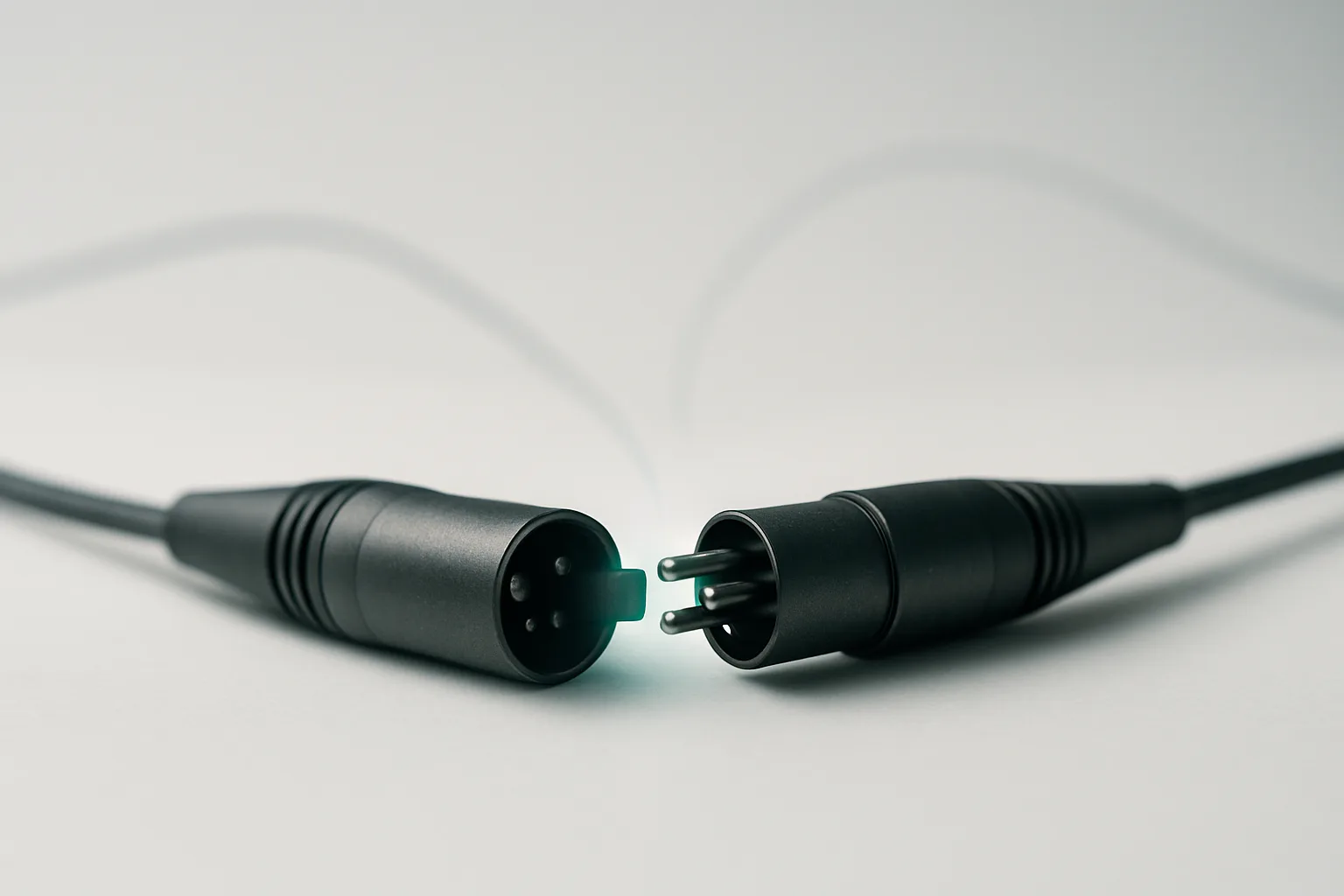
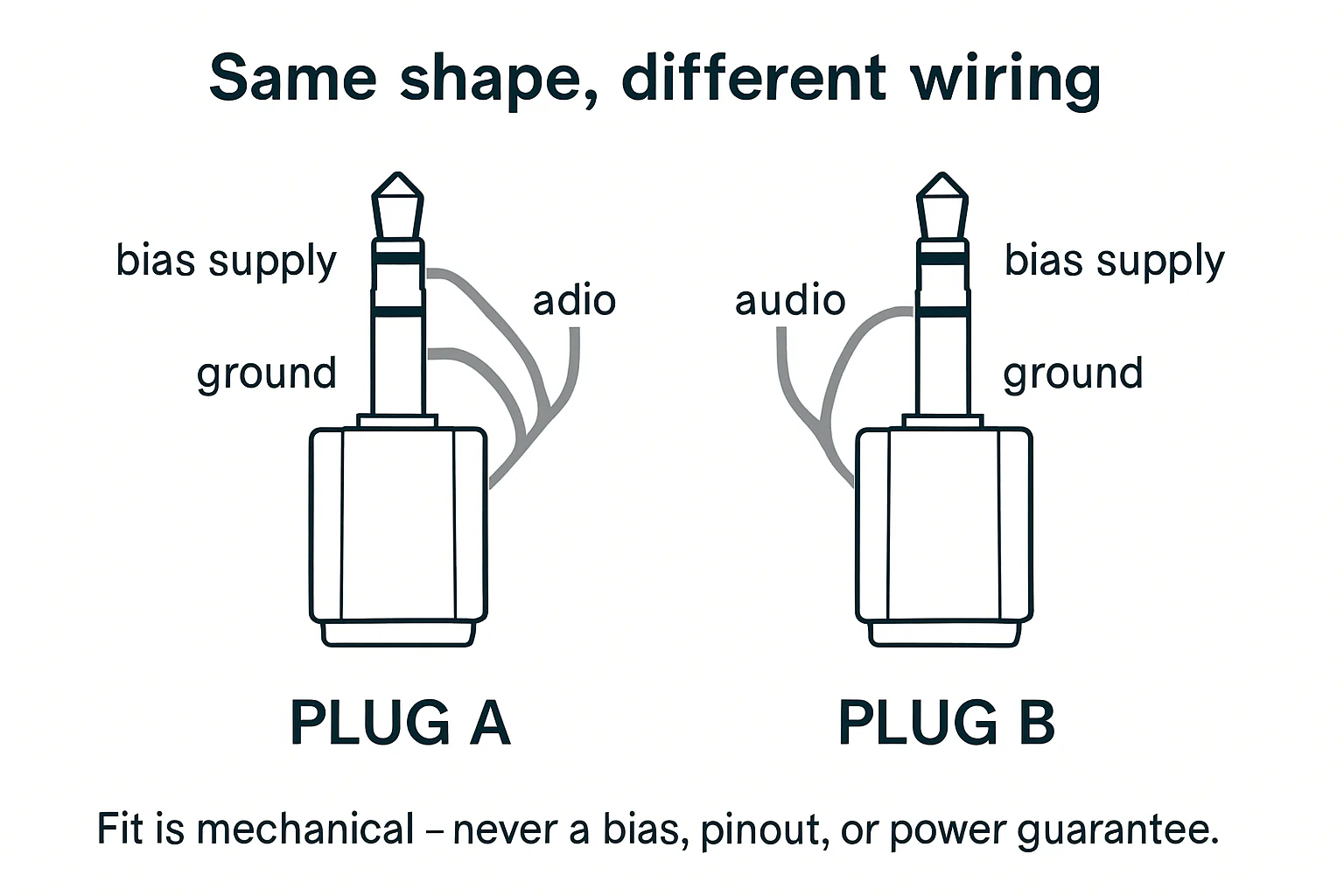
The plug mates, so you assume it works. It's the most reasonable assumption in the world - connectors are shaped the way they are so that mating means compatible. But bodypack inputs are the exception that breaks the rule. A 4-pin mini-XLR that fits a bodypack is not necessarily wired for it. A 3.5mm plug that seats is not necessarily carrying what the transmitter expects. The connector tells you about geometry; it tells you nothing about the electricity inside. Match the wiring, not the shape.
TA4 wiring is not universal
This is the big one. Every bodypack brand wires its input differently, and the mini-XLR is the classic trap: Shure's TA4 wiring is not the same as another maker's 4-pin, so a lav terminated for one brand will miswire on another even though the connector fits perfectly. The fit is a lie - it clicks in, it feels right, and the audio is wrong in ways that look like a bad mic, bad RF, or bad everything.
This is the cross-brand problem, and it's the one thing the vault does verify: do not assume a TA4 that fits is wired for your transmitter. The failure mode is insidious because everything mechanical works: the mic goes on, the transmitter powers up, and what comes out is low level, distorted, missing, or intermittently cutting out symptoms that send you chasing RF or preamp settings when the problem is two pins crossed inside a connector that fit just fine.
The MicroDot system exists to solve this
DPA built their whole lav connector system around exactly this problem. The mic itself carries a tiny MicroDot termination, and you swap DAD brand adapters to match the transmitter: DAD6010 for Shure TA4F, DAD6021 for Lectrosonics TA5F, DAD6034 for Sennheiser locking 3.5mm. You keep one mic and carry a handful of adapters, and each adapter carries the wiring translation for its brand.
The discipline is the same as with any adapter: know which adapter you have, and make sure it's the right one for the bodypack in front of you.
Check the signal, not just the pins
Even with the wiring right, the signal itself has to match the input. Adapting a balanced XLR line into a transmitter's unbalanced input - the standard TA4F-to-XLR line-input cable does exactly this - is a routine and correct move, but only when the cable is built for it and the input is a line input. A stereo 3.5mm TRS fed into a mono mic input, on the other hand, shorts one side of the signal to ground and gives you the classic symptom set: low, thin, or missing audio that looks like a dead mic. And a locking 3.5mm plug forced into a non-locking jack may seat and even latch poorly, giving you intermittent contact that crackles when the talent moves which, yes, sounds exactly like a dying lav cable, and no, the lav isn't dying.
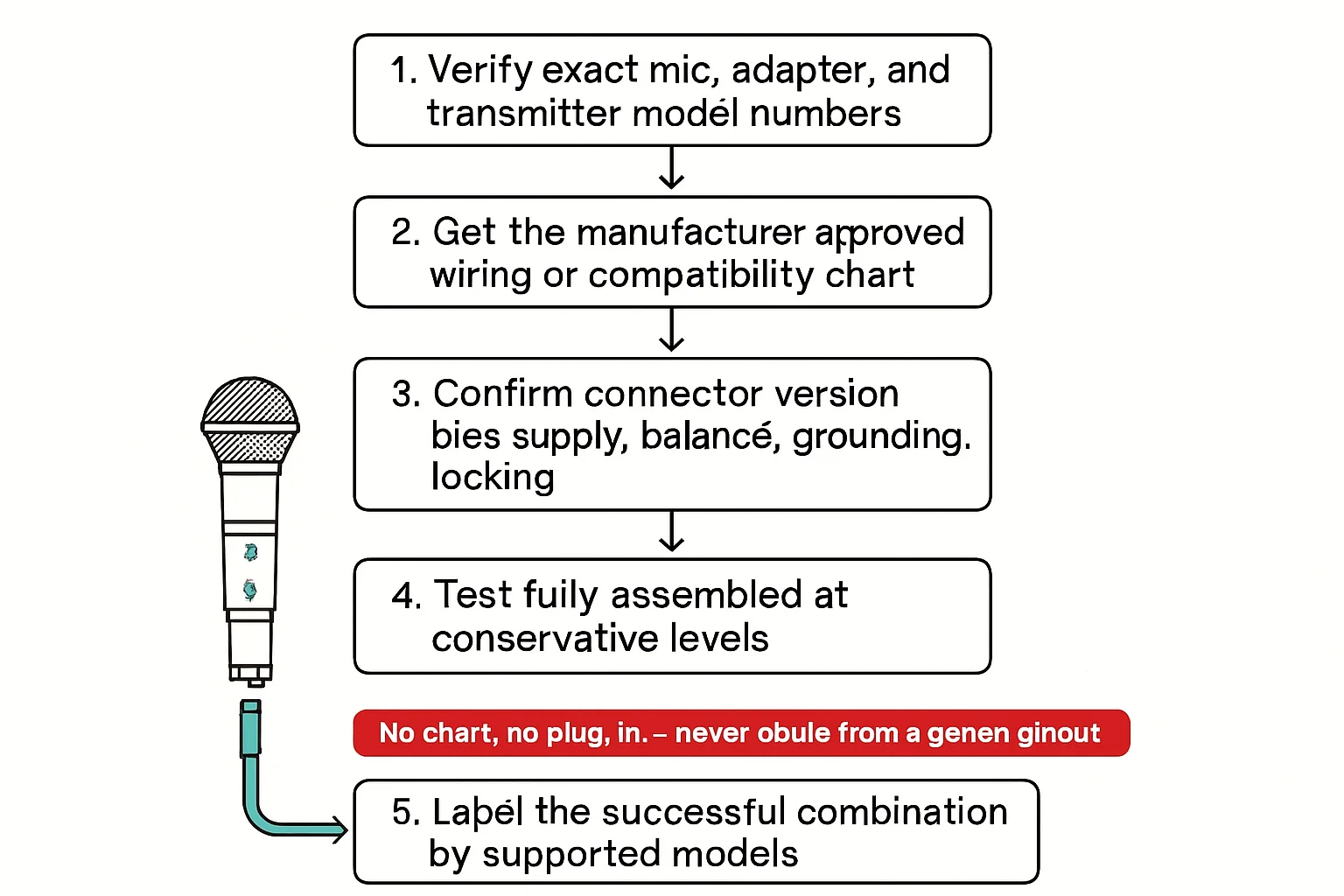
The rule that ties all of this together: if you don't know the pinout, you don't adapt. Verify both connector genders and pin counts, confirm the wiring standard for the bodypack brand, check balanced versus unbalanced and mono versus stereo, and confirm the signal level (mic versus line).
Phantom power: the silent second problem
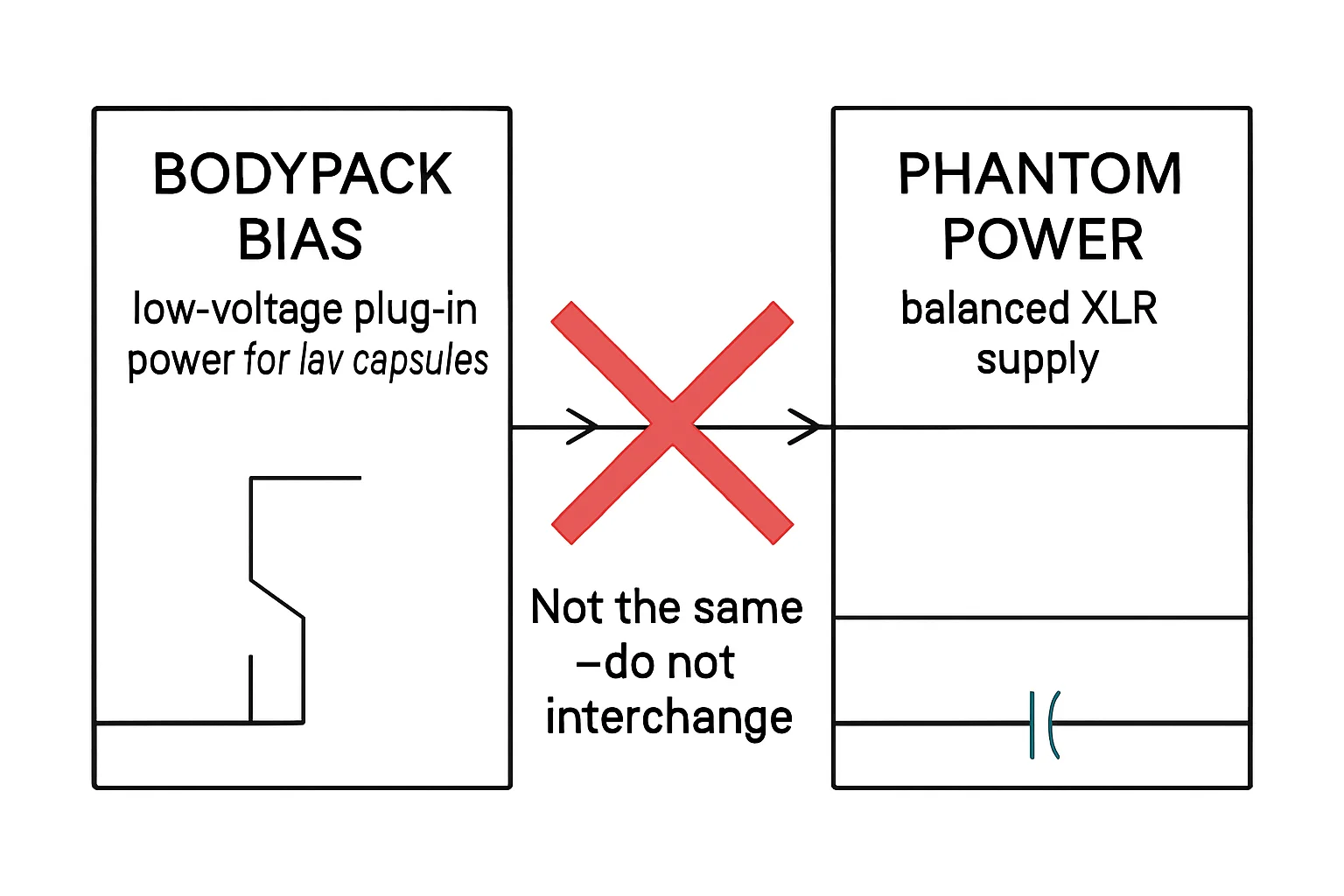
One more check before the adapter touches the gear: make sure no phantom power is on the line you're adapting. Transmitter inputs are unbalanced mic/line inputs - they are not phantom-powered mic inputs, and they have no business being fed 48 volts. One click in the wrong menu on the mixer, and the transmitter input sees phantom it was never designed for. The result is a second failure stacked on top of whatever you were troubleshooting, and it will waste your time twice: once while you chase the phantom as if it were the adapter problem, and again when you chase the adapter problem that was there all along. Confirm phantom is off before you plug anything in.
Bench takeaway: The click of a mating connector is a mechanical fact, not an electrical one - verify the wiring standard, the signal, and the level before the adapter touches the gear.
Pinout reference
| Pin | Carries |
|---|---|
| 1 | Ground |
| 2 | Bias, +5 V DC |
| 3 | Audio |
| 4 | Tied to pin 3 through a resistor (per Shure wiring guide) |
| Pin | Carries |
|---|---|
| T | Hot (+) |
| R | Cold (−) |
| S | Shield |
Related
Stop Using Mystery Cables: A Labeling System That Works · Your Cable Isn't a Garden Hose: Learn the Over-Under Coil · Course: Build a basic XLR cable