Bench Notes › Articles › Wireless
Article · 1 min readBefore You Blame Interference, Check the Battery.
By Thomas Popp · Oct 7, 2026
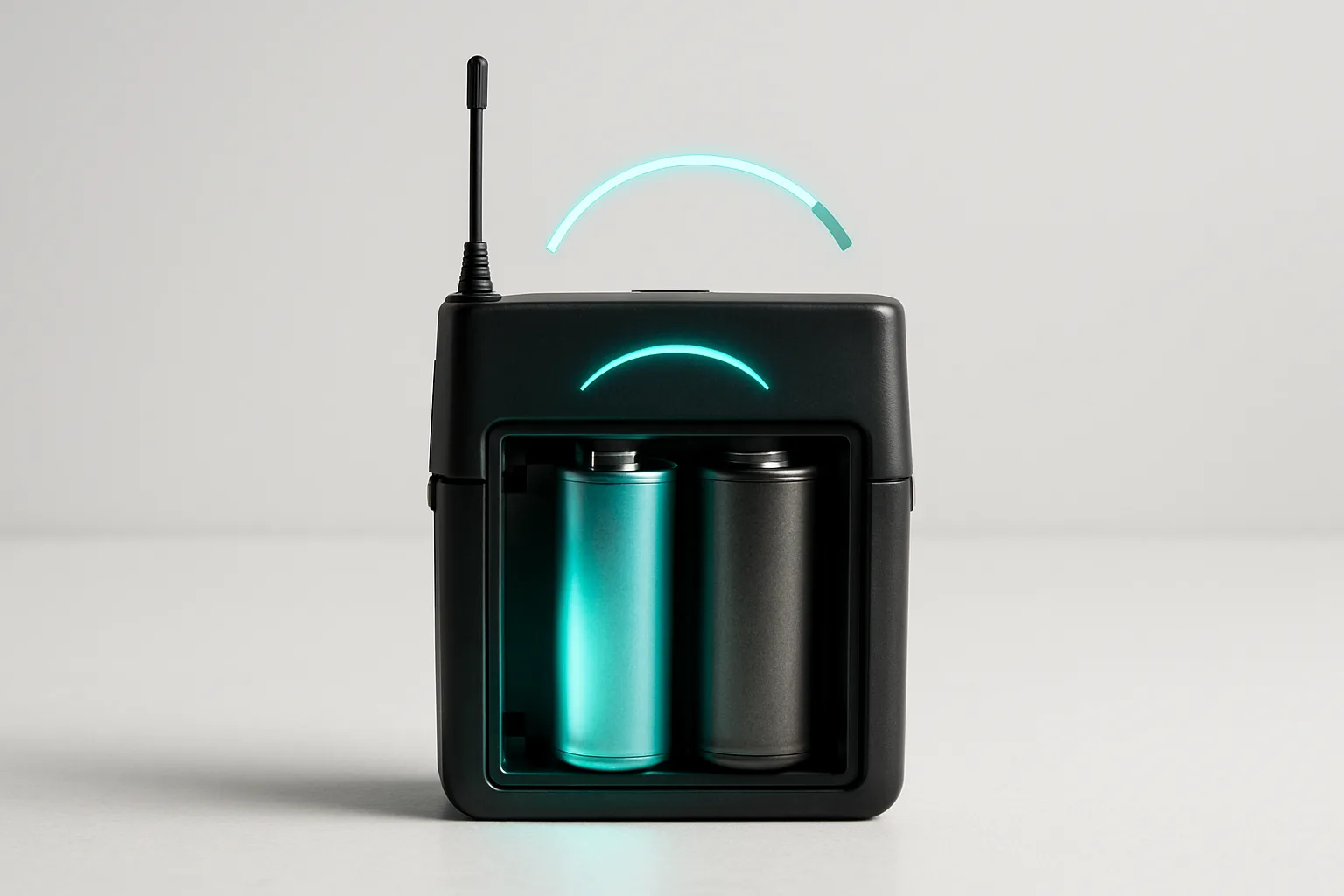
Mid-scene, the audio starts going choppy. Dropouts. Loss of lock. The receiver hunts for a signal it can't hold. Every instinct says interference - a new RF source in the building, a frequency that needs re-scanning, the whole retune-and-rescan dance. But here's the thing the bench sees over and over: a sagging battery produces exactly the same symptoms. The transmitter's RF output collapses under load, the link drops, the receiver hunts. Re-tuning the frequency won't fix a dying cell, and you'll burn twenty minutes scanning frequencies while the real problem sits in the battery compartment.
This is the number-one false alarm in wireless troubleshooting, and the newsletter cut it down to one line: swap the batteries first, every time, before touching anything else. Here's the full version.
The symptom overlap
When a transmitter's battery sags, the RF output stage is the first thing that starves - audio stages can keep running on a weaker rail while the power amplifier can't. So you get the classic interference profile: signal that comes and goes, audio that cuts in and out, range that suddenly shrinks. On the cart it looks identical to RF trouble, and the standard RF moves (re-scan, change frequency, move the antenna) all do nothing because the transmitter itself is the weak link.
The tell is the timing: if the dropouts started mid-block and got worse as the block went on, that's a cell draining. Interference tends to appear suddenly when a new source keys up; battery sag creeps in and gets steadily worse.
Only the types the transmitter approves
Bodypacks are designed around specific power sources, and the newsletter's list is the field standard: 2x AA or the maker's Li-Ion packs - Shure's SB900/SB903 series, Sennheiser's BA 2015, Lectrosonics' LB50 in the SSM - with some older units taking a single 9V. Use what the manual approves and nothing else.
The rechargeable-versus-alkaline choice matters beyond runtime. Different chemistries have different discharge curves - the way voltage falls off under load isn't the same - so a transmitter that expects one chemistry can misbehave on another even with fresh cells. The bench advice here is conservative on purpose:
stick with approved types, and if you're unsure, the safest move is fresh cells of the approved type, not a different chemistry that happens to fit the compartment. The meter on the transmitter is also something to treat with skepticism: log what went in and when, rather than trusting a meter reading that may not be calibrated to what you actually loaded.
Contacts: the invisible battery failure
With the battery out, look at the contacts. Oxidized or corroded terminals - the dull gray-green film on spring contacts - raise the contact resistance, and a transmitter pulling current through a dirty contact sags exactly like a dying cell. Loose cells are worse: if a battery rattles in the compartment, every step the talent takes bounces
the contact open for a fraction of a second, and the transmitter reboots its RF output. That looks exactly like RF failure on a moving actor, and it has nothing to do with RF.
Wipe the contacts dry, reseat the cells so they fit tight with no rattle. Check the spring tension on older units springs fatigue over time, and a compartment that used to grip cells firmly can go loose after years of swaps. If a transmitter keeps dropping on a particular unit even with fresh cells and clean contacts, that transmitter may need its compartment contacts serviced, not its frequencies rescanned.
The preflight habit
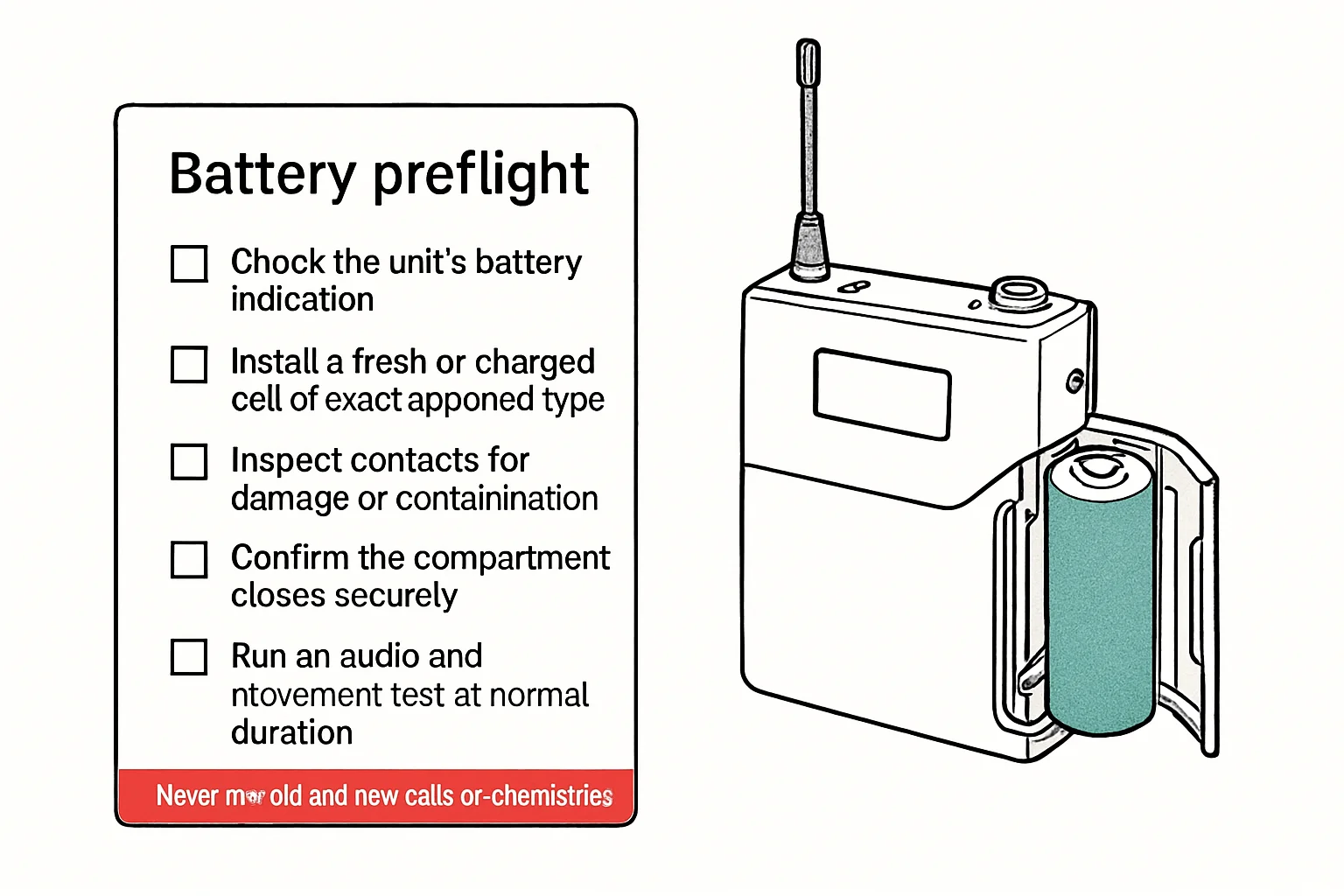
The newsletter's subscriber extra is the transmitter preflight card: before every block, confirm the approved battery type, verify contacts are clean and dry, seat the cells tight, log the meter reading, and have a fresh or freshly charged set ready for every transmitter on the cart. Tick it, sign it, move on. It takes two minutes and it eliminates the single most common false alarm in the wireless chain. The meter lying to you is cheaper to fix than the reshoot - and a fresh set of cells on the cart costs nothing compared to a lost take.
Bench takeaway: Dropouts that creep in mid-block are a draining battery wearing an interference costume swap in fresh approved cells and check the contacts before you touch a frequency.
Related
Stop Guessing Your Wireless Frequencies · Was That an RF Dropout or an Audio Connection Failure? · Course: Build a basic XLR cable